AI & Automation
8 min readIs an AI chatbot for small business website worth it?
What an AI chatbot should answer, what it should pass to a person, and the cost and setup checks to run before you buy.
You run a service business, and the same five questions land in your inbox and phone every day. An AI chatbot for small business website visitors can answer them at 11pm, but it can also annoy people if you set it up badly. Here is how to decide if it is worth it, and how to check before you pay.
What an AI chatbot for a service business should answer
The best use is boring. A chatbot answers repetitive questions instantly, day or night, so staff can spend time on conversations that need them. That point comes from IrisAgent, and it matches what we see: the bot earns its keep on the questions you are tired of typing.
For most service businesses that means three things.
- Opening hours and location. Including bank holidays, areas you cover and how to find you.
- Quotes. Not a final price, but what affects it, typical ranges if you publish them, and what you need from the customer to quote properly.
- Bookings. How to book, what happens next, cancellation rules and what to bring.
The bot can only answer from what it has been given. If your pricing page is vague, the bot will be vague. Fix the page first.
Which questions to automate first and which to leave to a person
Sort your last 50 enquiries into two piles. Anything where the answer is the same every time goes in the first pile. Anything that needs judgement, empathy or a decision from you goes in the second.
| Automate | Leave to a person |
|---|---|
| Opening hours, location, parking | Complaints and refunds |
| Services you offer and don't offer | Bespoke or unusual quotes |
| What a quote depends on | Anything urgent or safety-related |
| How to book and what to prepare | Price negotiation |
| Cancellation and payment policy | Existing customers with a live problem |
| Areas covered | Legal, medical or financial advice |
Start with the left column and nothing else. You can add more once you have read a few weeks of real conversations. Going the other way, launching with everything switched on, is how bots end up saying things you would never say yourself.
Handoff rules: when and how the bot passes a conversation to a human
This is where most chatbots fall down. A good bot knows what it cannot do and gets out of the way quickly.
Write your rules down before you set anything up. Ours would look like this:
- The customer asks for a person. Once, in any words. No "are you sure?" loop.
- The customer sounds upset. Words like "complaint", "disappointed" or "wrong" trigger a handoff.
- The bot is unsure. If it cannot find the answer in your content, it says so and offers a person. It should never guess.
- The question involves money you have not published. Custom quotes, discounts, refunds.
- Two failed answers in a row. If the customer rephrases the same question, the bot has missed.
Then decide how the handoff works. The bot should collect a name, contact details and a one-line summary, and pass the whole conversation across, so nobody has to repeat themselves. Out of hours, it should say when someone will reply and take the details. If your tool cannot pass the transcript to your email, inbox or CRM, that is a reason to walk away.
How a conversation moves to a person
Bot
Answers FAQ questionsAsks what else it can help withTrigger
Customer asks for a personCustomer sounds upsetBot cannot answerPerson
Takes over with the chat historyReplies directly to the customerRealistic cost: plans, free trials and per-resolution pricing
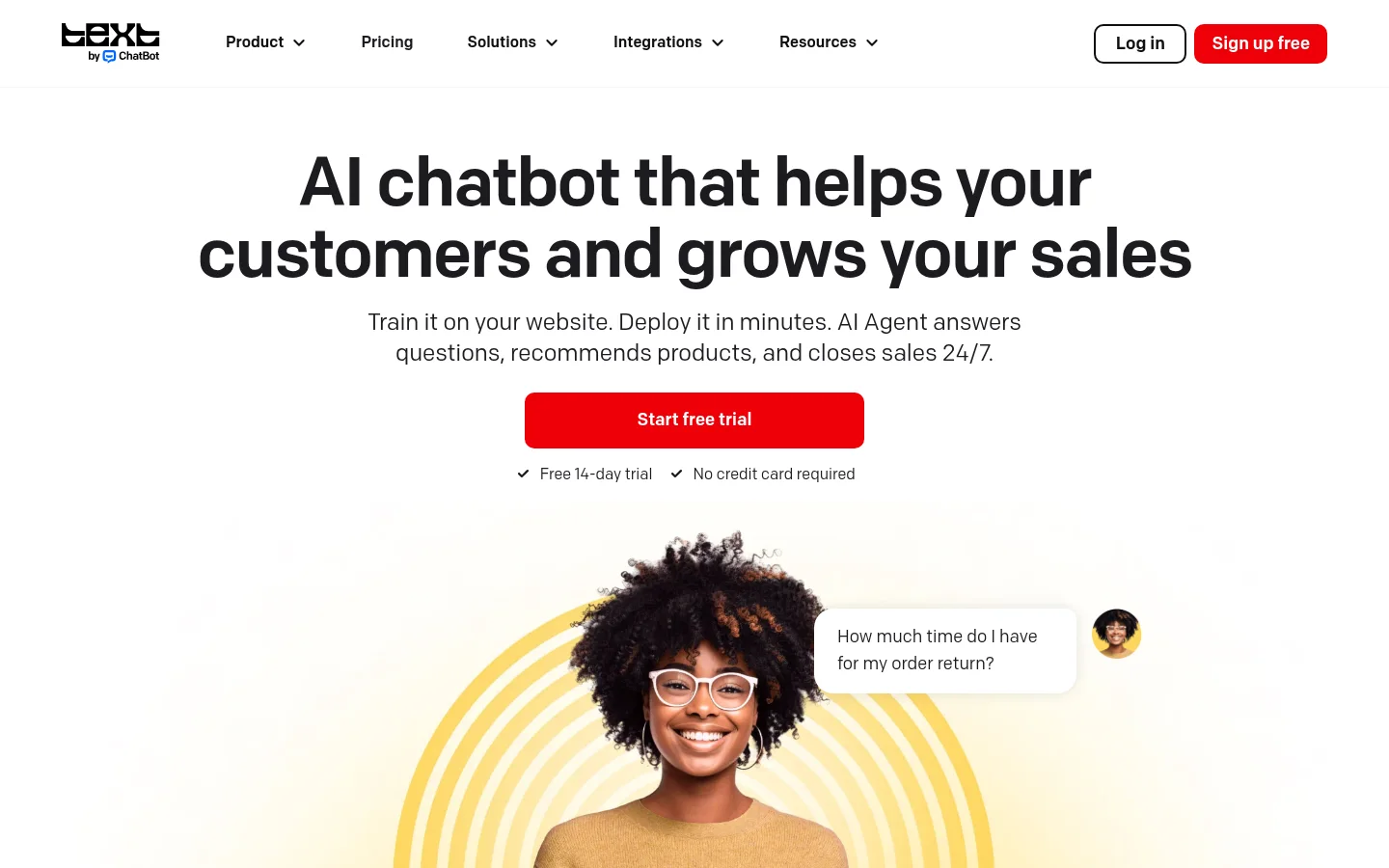
Headline prices are low, but the pricing model matters more than the number. Here is what the published figures look like.
| Tool | Published price | What to watch |
|---|---|---|
| ChatBot.com | From $19 a month, 14-day free trial, no credit card | Check what the entry plan limits |
| ProProfs Chat | Free plan for one operator, paid from $19.99 per operator a month | Cost grows with each person who answers chats |
| Chatway | Paid plan from $31 a month (yearly), AI at $0.50 per resolution | The per-resolution charge sits on top of the plan |
Three costs rarely appear on the pricing page: per-resolution charges, extra operator seats, and add-ons such as removing branding or connecting other software. Your total depends on how many conversations you get, how many people reply to handoffs, and which extras you need. We won't guess a figure for you. Instead, take your monthly enquiry count, ask the vendor what a month at that volume costs, and get it in writing.
If you want to judge the return before you spend, our guide on how to measure AI automation ROI in a small business walks through the sum.
Setup check: training on your own content, integrations and no-code effort
Most modern chatbots need no coding. You paste in your website address or upload documents, and the tool builds its answers from them. Fabric reports that Chatbase can get a trained bot live on a site in under ten minutes from a website URL, PDFs or Notion. Ten minutes gets you a working bot. It does not get you a good one.
The real work is the content. Before you train anything:
- Check your pricing, hours and service pages are current and say the same thing.
- Add a short FAQ page covering the questions from your pile of 50 enquiries.
- Write down what the bot must never answer, such as medical, legal or custom pricing.
Then ask what happens when the bot is wrong. You want a way to read every conversation, correct a bad answer and have the fix apply next time. If the tool gives you no transcripts and no way to edit, you are flying blind.
On integrations, list what the bot must connect to: your email, calendar, CRM or booking system. Check each one by name on the vendor's site. If the integration is not listed, assume it is not there.
Get a trained bot live
- 1
Add your sources
Paste in your website address or upload PDFs. Chatbase reports a trained bot can go live in under ten minutes from a URL (Fabric).
- 2
Check the answers
Ask it your real questions and compare each answer with your current pages. Fix the source material if an answer is wrong.
- 3
Add the chat widget
Most builders add it for you. If your site runs on something else, you may need to paste a short piece of code into the site.
- 4
Test on a phone
Run the bot on mobile and check the handoff rules work before customers see it.
Booking and lead capture: what the bot can and cannot do
Be careful here. The sources we looked at describe lead capture and FAQ answers. They do not confirm that these tools book appointments natively, as Salesforce's roundup of small business chatbots also leaves open. Some tools may offer it. Others may only link to your booking page.
So test it. Ask the vendor for a demo where the bot books a slot in your calendar, and watch it happen. There are three levels:
- Links to your booking page. The weakest, but it works and costs nothing extra.
- Captures details and passes them to you. You confirm the booking by hand.
- Books directly into your calendar. The best, and the one to verify before paying.
Lead capture is the safer win. The bot asks for a name, email and what the person needs, then sends it to you. That is useful on its own, and it is worth connecting to a follow-up so a lead does not sit for two days. Our AI Systems and Automation service builds that chain of lead capture, CRM and follow-up for owners who would rather not wire it together themselves.
Will a chatbot put customers off?
It can. People get annoyed by bots that pretend to be human, trap them in loops or answer a different question from the one asked. They do not mind a bot that is quick, honest and lets them leave.
A few habits keep it helpful:
- Say it is a bot. Open with one line stating that, and what it can help with.
- Make the human option visible. A "talk to a person" button, not buried three menus deep.
- Keep it quiet. Do not pop open on every page the second someone arrives. Let it appear after a pause or on key pages like pricing and contact.
- Keep answers short. Two or three sentences, then a next step.
- Read the transcripts weekly for the first month. You will spot the gaps fast.
If you handle customer data, check your obligations too. Our piece on what the ICO says about AI agents covers what UK firms should do.
Pre-purchase checklist: test the bot with real questions before paying
Use the free trial properly. ChatBot.com's 14-day trial needs no credit card, which makes it easy to try without commitment. Whatever tool you test, run this list.
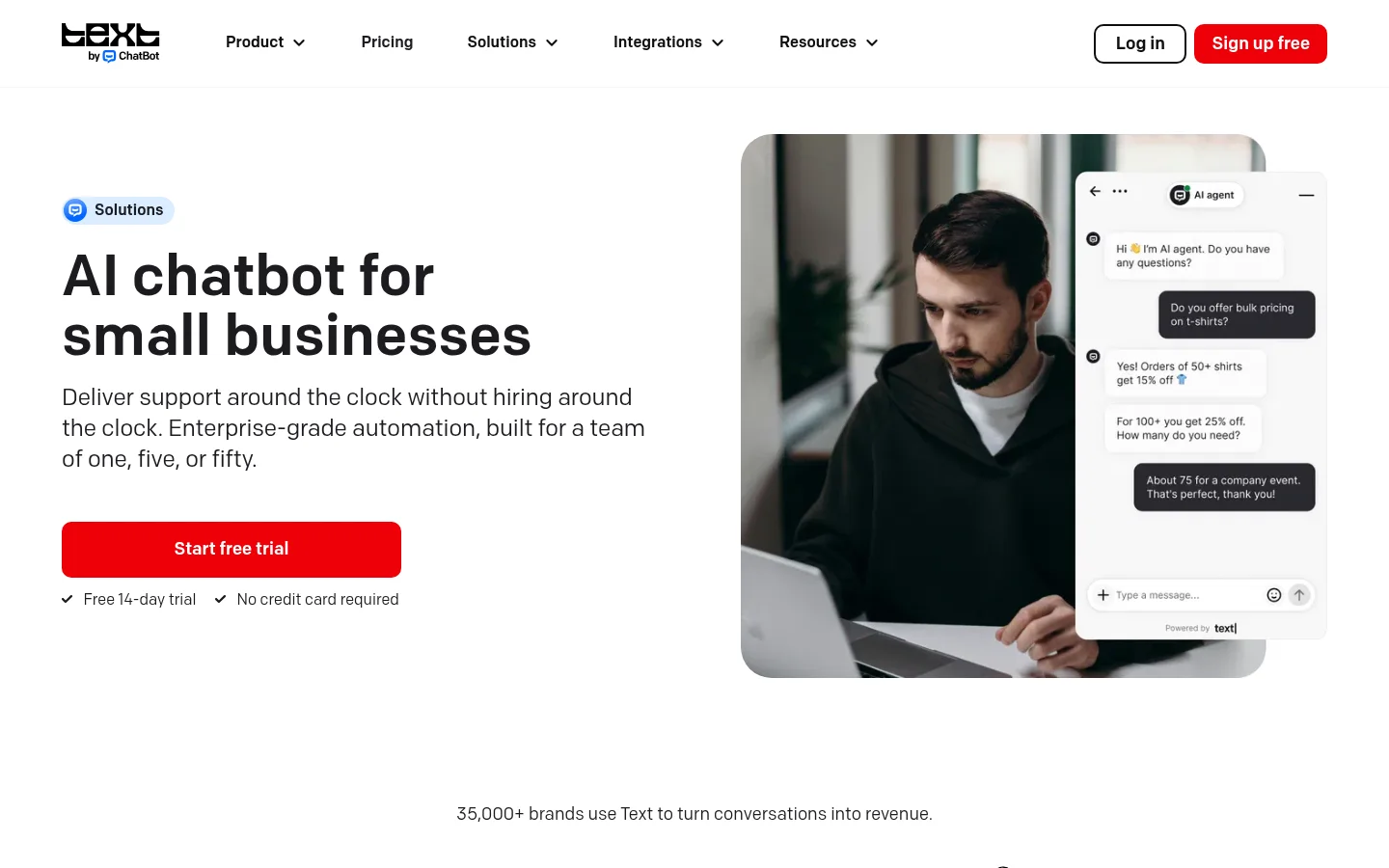
- Train it on your real website, not a demo.
- Ask your 20 most common customer questions and mark each answer right, wrong or vague.
- Ask three things it should not answer. Does it refuse and offer a person?
- Type "I want to speak to someone". How many steps to reach a human?
- Try to book an appointment. Does it book, link or just collect details?
- Check the handoff email includes the full conversation and contact details.
- Ask for the full monthly cost at your volume, including per-resolution fees, seats and add-ons.
- Find out how to fix a wrong answer, and how fast.
- Look at it on a phone.
That threshold is our rule of thumb, not an industry standard.
Where to start
- Pull your last 50 customer enquiries and sort them into automate and leave to a person.
- Update your pricing, hours and FAQ pages so the bot has good material.
- Write your five handoff rules.
- Start a free trial with one or two tools and run the checklist above.
- Go live on one or two pages, read every transcript for a month, then widen it.
For wider context on tools, see our list of the best AI automation tools for small business. Many owners also find that a chatbot is one piece of a bigger job, and our guide to AI automation for small business shows the other tasks worth handing off.
If you would like a second pair of eyes on whether a chatbot fits your business, get your free AI plan and we will show you where AI saves you the most time. Or book a call and talk it through with a strategist.
Sources
See it in practice

Built by Pensact
Go Way · A ride-hailing app for Egypt where riders pick the offer that suits them, across car, scooter or tuk-tuk. We built its systems and CRM.
Questions people ask
How much does an AI chatbot cost for a small business?
Published entry prices run from about $19 a month, such as ChatBot.com, to around $31 a month for Chatway, which also charges $0.50 per AI resolution. Your real bill depends on conversation volume, operator seats and add-ons, so ask for a written monthly figure at your volume.
Can an AI chatbot book appointments?
Some may, but the sources we reviewed only confirm lead capture and FAQ answers, not native booking. Ask for a live demo where the bot books into your calendar. If it only links to a booking page or collects details, you will confirm the slot yourself.
Will a chatbot put off my customers?
It can if it hides the human option, loops on bad answers or pretends to be a person. Say it is a bot, keep answers short, show a clear way to reach someone and read transcripts weekly to fix gaps.
Can I set up an AI chatbot on my website without coding?
Yes. Most tools train on your website address or uploaded files and give you a snippet to paste in. Fabric reports Chatbase can go live in under ten minutes this way. The longer job is tidying your content so the answers are right.
When should an AI chatbot hand a conversation to a person?
When the customer asks for one, sounds upset, asks about unpublished pricing or refunds, or the bot has failed to answer twice. The handoff should pass the full transcript and contact details so nobody repeats themselves.
Keep reading
How to automate invoices with AI, step by step
Learning how to automate invoices with AI starts with mapping where supplier bills get stuck. Here are the five steps, the matching logic and where it breaks.
Noah Hany · 5 Nov 2026
Robotic process automation vs AI automation: what's the difference?
RPA follows fixed rules. AI reads context and makes calls. Here is how to tell them apart, and whether a small firm should buy either.
Noah Hany · 5 Nov 2026
What are business automation services? Types and costs
Business automation services are software set-ups or managed teams that run repeated tasks for you. Here is what they cover and what a first project looks like.
Noah Hany · 4 Nov 2026