AI & Automation
9 min readAI automation for accountants: the client admin to hand off
AI automation for accountants can take the chasing, sorting and reminders that eat small-practice time. Here is what to hand off and what a qualified person must still review.
AI automation for accountants is most useful for the admin that fills a small practice: chasing documents, sorting bookkeeping, onboarding new clients and remembering deadlines. Most of that work can be handed off. Some of it cannot, and deciding which is which is the real job for a sole practitioner or a team of up to 20.
What AI automation for accountants can realistically do
The honest starting point is that AI is good at repetitive, rules-based work with a clear right answer, and poor at work that needs judgement about a specific client. In a small practice, that split falls in a predictable place. Sorting a bank feed, nudging a client for a missing receipt, or sending a filing reminder are repetitive. Deciding whether a director's loan is a tax problem, or whether a client's records are good enough to sign off, is not.
The research supports the first group. The MIT Sloan study found that accounting software automating routine work can classify transactions, summarise contracts and detect anomalies in bookkeeping, and that accountants using it saw greater productivity (MIT Sloan, https://mitsloan.mit.edu/ideas-made-to-matter/how-generative-ai-can-make-accountants-more-productive). That is a finding about routine tasks, not about the whole job.
So think in three buckets. Hand off what is repetitive and easy to check. Assist with what is repetitive but needs a sanity check. Keep with a qualified person whatever carries professional responsibility, such as sign-off, advice and anything touching ID or money laundering checks. If you cannot say which bucket a task sits in, it belongs in the third one until you can.
Bookkeeping categorisation: what AI handles and where review stays with you
Categorisation is where most small firms see the first return. Firms are already using AI-powered software to categorise expenses, reconcile accounts and generate reports (Thomson Reuters Tax & Accounting Blog, https://tax.thomsonreuters.com/blog/how-do-different-accounting-firms-use-ai-tri). Intuit has also built AI agents into QuickBooks to automate bookkeeping, payroll, bill pay and sales tax tasks, framed as working alongside a bookkeeper or accountant rather than replacing them (Fitchburg State University, https://online.fitchburgstate.edu/degrees/business/mba/accounting/ai-automation-for-accountants).
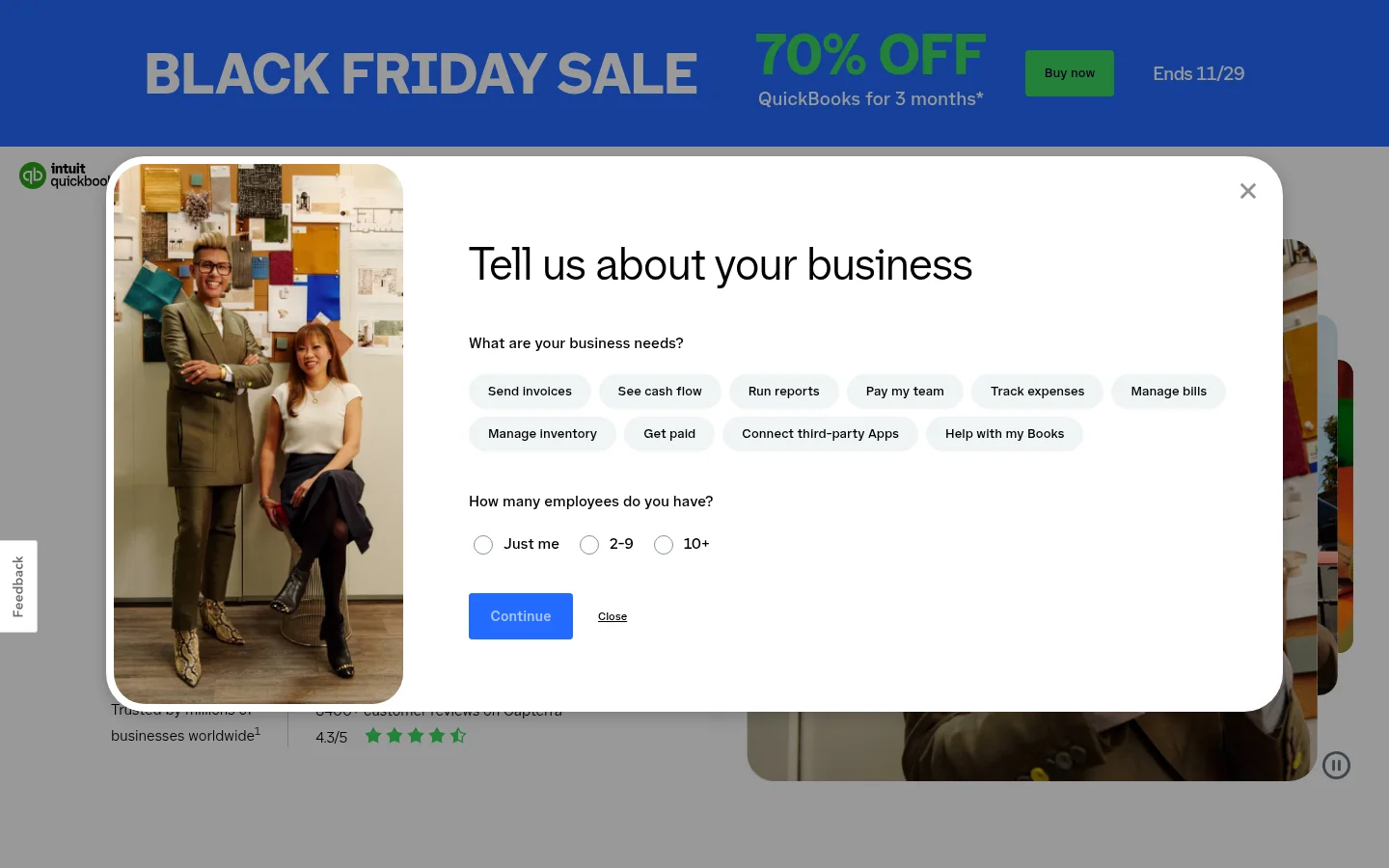
Vendors quote large numbers here. Truewind claims its categorisation auto-categorises 85 to 90% of transactions without rule writing (a vendor claim, not independently checked). AI Accountant claims its OCR reads scanned and handwritten bills with 95% accuracy (also a vendor claim). Treat both as a reason to test, not as a forecast for your books. Your own mix of clients, bank formats and sector will decide the real rate.
In practice, let the tool propose categories for routine, repeat suppliers. Then review three things every time: anything above a threshold you set, any new supplier, and any item that could affect a VAT return or a client's tax position. One practitioner summed it up on a public accounting forum: AI is useful for pulling data, categorising transactions and drafting reports, but the cleanup and the judgement still sit with you (Reddit r/Accounting, https://www.reddit.com/r/Accounting/comments/1t3ftri/ai_is_revolutionizing_accounting_so_where_the/). That is a fair summary of how this works.
Chasing client documents with automation, and what still needs a human
Document chasing is the task that quietly takes the most owner time, and it is one of the safest to automate. The workflow is simple. Each client has a checklist for the year. The system tracks what has arrived, sends a polite reminder at set intervals, and escalates to a person after a fixed number of nudges. Requests can go by email, text or a client portal, depending on what your clients actually answer.
Write the messages yourself before you automate anything. A reminder that sounds like a bot will get ignored, and a reminder that names the exact missing item, with a date, gets answered. Keep the tone warm and specific. Stop automatic chasing once a client has a conversation with you about a gap, because a human should own that thread.
What still needs a person: deciding whether a missing document matters, explaining to a client why you cannot file without it, and handling the client who has been asked five times and is annoyed. Automation tracks the list. You manage the relationship. If a reminder ever goes out about a figure that is wrong, you need a clear way to correct it fast, which is part of the wider question of who answers when an automated message causes a problem (see our note on AI agent liability in the UK at /blog/ai-agent-liability-uk).
How a document chase runs
- 1
Set a checklist for each client
Every client has a list of what you need for the year. The system works from that list, not from memory.
- 2
Track what has arrived
The system marks each item as received as documents come in, so the chase only covers what is still missing.
- 3
Send polite reminders at set intervals
Reminders go out on a fixed schedule. The tone stays neutral and the requests stay specific.
- 4
Escalate to a person after a fixed number of nudges
When the reminders run out, a member of your team picks up the conversation. That call is a human decision.
Client onboarding: automating intake without weakening ID and AML checks
Onboarding is where automation is most useful and most dangerous. The useful part is collecting data: an online form that captures company details, directors, engagement terms and a list of documents, then feeds your practice system. That saves hours of re-typing and removes errors at the point of entry.
The dangerous part is treating intake as verification. Under the UK Money Laundering Regulations, identity checks and the risk assessment behind them need to be carried out and recorded by the firm, and the sign-off is a professional judgement. A form that someone completes is not the same as a check that a qualified person has made. Automate the collection. Keep the verification and the sign-off with a named person, and keep a dated record of who approved what.
A sensible flow looks like this: the client completes the intake form, documents are uploaded, the system flags missing items and inconsistent details, and a person reviews the file before any risk rating or ID decision is recorded. Check your own supervisor's guidance and your professional body's rules before you change any step. The tool should make the file easier to review, not make the decision for you.
Deadline reminders and practice admin that AI can run safely
Deadline reminders are the easiest win. Filing dates, payment dates and renewal dates are known in advance, so a system can send reminders to the client and to your team without anyone remembering to do it. Set reminders at two or three points before each deadline, and send the internal ones to whoever owns the task, not to a shared inbox.
The same logic applies to the wider admin: engagement letter reminders, appointment confirmations, internal task lists and simple status reports. These are rules-based and easy to audit. If a reminder is missed, you can see where the logic failed.
What stays with you is the decision behind the deadline. Whether to request an extension, how to handle a late filing, and what to tell a client about a penalty risk are all judgement calls. The automation should tell you the date is coming. A qualified person decides what to do about it.
Which tools suit a 2 to 20 person UK firm, and how to choose
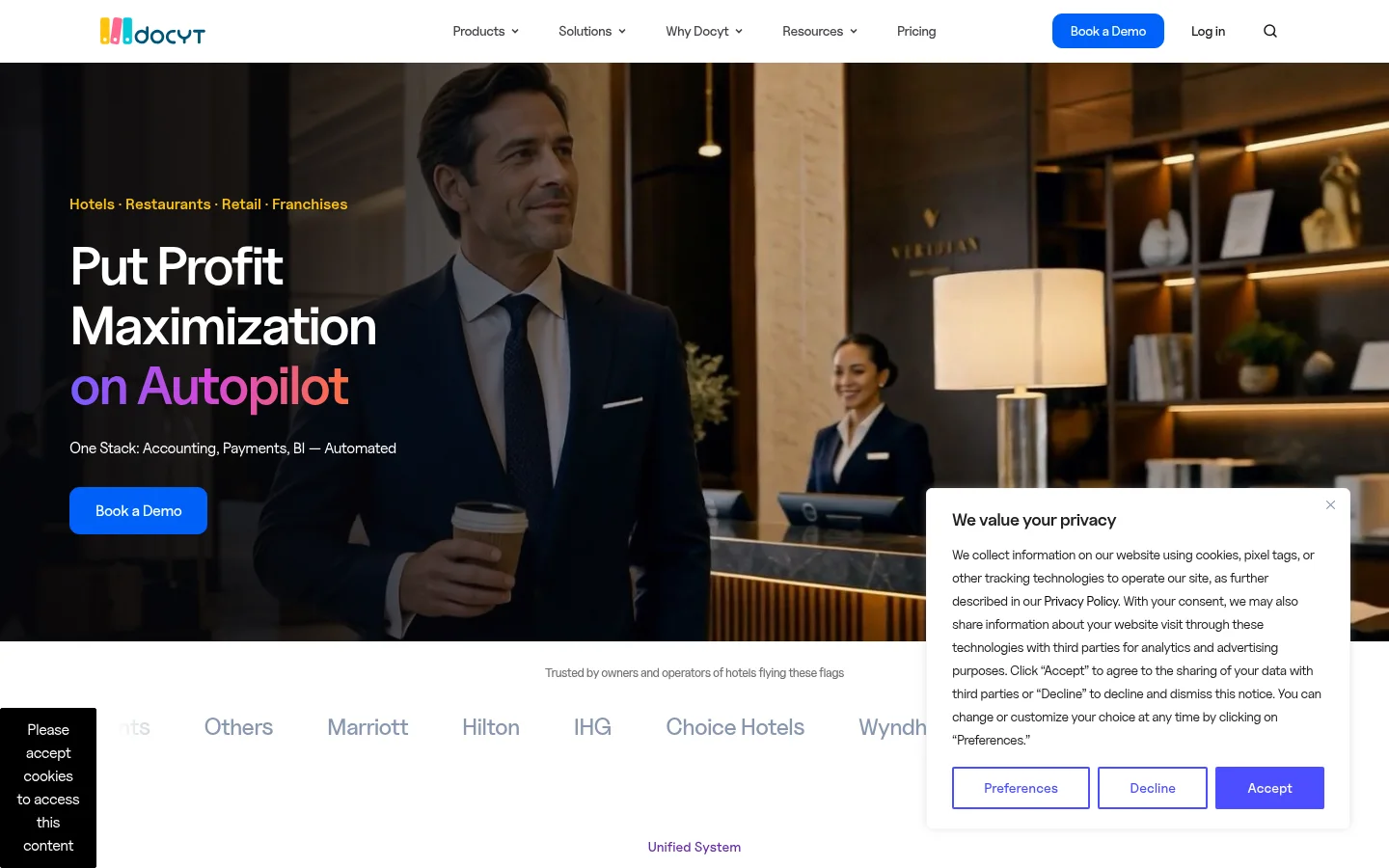
There is no single best tool, and anyone who gives you one is selling. Intuit's own roundup of AI accounting software names options including Docyt, which is geared toward accounting firms, and Zeni, which combines automation with human review (Intuit Blog, https://www.intuit.com/blog/innovative-thinking/best-ai-accounting-software-tools). Check each one for UK support: bank feeds, VAT handling, HMRC filing links and data hosting. Many US-focused products do not cover these well.
Choose on five questions. Does it connect to the ledger and practice software you already use? Can you see why it categorised something? Can you set review thresholds? Who at the vendor will answer a UK question? And what does it cost once you add it to your existing stack?
| Task | Suits automation | Still needs a qualified person |
|---|---|---|
| Document chasing | Tracking, reminders, escalation timing | Judging whether a gap matters, client conversations |
| Bookkeeping categorisation | Routine, repeat suppliers | New suppliers, VAT treatment, anything affecting a return |
| Client onboarding | Data collection, form completion, flagging gaps | ID verification, AML risk rating, sign-off |
| Deadline reminders | Dated reminders to clients and staff | Extensions, late filing decisions, penalty advice |
| Drafting letters and reports | First drafts from structured data | Review and approval before anything is sent |
Cost depends on your practice software, how many clients you run through the tool, how much integration work is needed and whether you need a partner to build it. We cannot give you a fair UK figure without knowing those, so ask any vendor or agency for a costed plan with setup time and a named training step. Our AI systems and automation service covers this kind of build, with setup typically taking one to three weeks and pricing from $499 (see /services/ai-automation), but compare any quote on scope, not on the headline number.
Where a qualified person must still review the output
The rule is simple: anything that carries professional responsibility needs a qualified person to review it before it goes out or gets recorded. That covers any figure that feeds a return, any advice a client will act on, any ID or AML decision, and any letter that says something about the client's position.
Review is not the same as glancing at a dashboard. Set specific checks. Sample a fixed percentage of auto-categorised transactions each month and log the error rate. Review every new supplier. Check any automated reminder that mentions an amount. Keep a record of what was reviewed and who signed it off.
Watch for the quiet failure: the tool works well for most clients, so the team stops checking. Vendor accuracy claims are measured on their own test data, not yours. Measure your own error rate from the first month and keep measuring it.
How work moves from intake to client
Collect
Bank feed and client documents arriveDraft
AI categorises transactions and drafts reportsReview
Qualified person checks figures, advice and lettersSend
Return, letter or advice goes to the clientDoes AI automation replace bookkeepers, and what changes for your team
For most small firms, automation changes the work rather than removing the people doing it. Intuit describes its AI agents as working alongside a business's bookkeeper or accountant, not replacing that relationship. The practical effect is that routine entry and chasing shrink, and review, client contact and advisory work grow.

That shift only works if your team is trained. A KarbonHQ report found that 85% of accounting professionals are excited or intrigued by AI's potential, but only 37% of firms are investing in AI training for their staff (cited by the Florida Institute of CPAs, https://www.ficpa.org/news/ea5712fa-538c-4db5-9423-0076c8fbed5e:blog-the-impact-of-ai-in-accounting-uses-and-automation-benefits). Budget time for training before you switch anything on. Show the team the review checklist, the escalation route and what the tool cannot do.
The owner question is also about capacity. If automation frees 5 hours a week, decide in advance what those hours go to: client advisory, onboarding quality or new clients. If you do not decide, the time disappears into the inbox. For a broader view on small firms moving slowly on this, see /blog/small-business-ai-adoption, and for the difference between simple automation and more capable agents, see /blog/intelligent-process-automation-for-small-business.
Where to start
- List every recurring admin task for two weeks and note the minutes each takes.
- Sort them into the three buckets: hand off, assist, keep with a qualified person.
- Start with deadline reminders and document chasing, because the risk is lowest and the time saved is clear.
- Pilot categorisation on your two or three most regular clients, with a written review rule.
- Set a monthly error check and record it from day one.
- Budget training time for every person who touches the tool.
If you want a plain view of which of your admin tasks suit automation and which need a qualified eye, get our free AI plan at /go/free-ai-plan, or book a call at /book and we will go through your week with you.
Sources
See it in practice

Built by Pensact
Go Way · A ride-hailing app for Egypt where riders pick the offer that suits them, across car, scooter or tuk-tuk. We built its systems and CRM.
Keep reading
AI automation for architects: proposals, revisions, admin
Enquiries, fee letters, revision logs and invoice chasing can often be automated safely. Planning and client-facing documents still need an architect's name and check on them.
Noah Hany · 26 Nov 2026

AI automation for hotels in Dubai: guest messages and reviews
The admin that eats a small Dubai hotel's day, what AI can safely send on its own, and what a manager must approve before it goes out.
Noah Hany · 26 Nov 2026
Clean data before AI automation: a practical checklist
The three data problems that break automations, and a one-week plan to fix them before you switch anything on.
Noah Hany · 26 Nov 2026