AI & Automation
11 min readAI automation for gyms: membership, bookings and failed payments
AI automation for gyms starts with the admin that quietly loses members and money. Here is what to fix first, and how to tell if it worked.
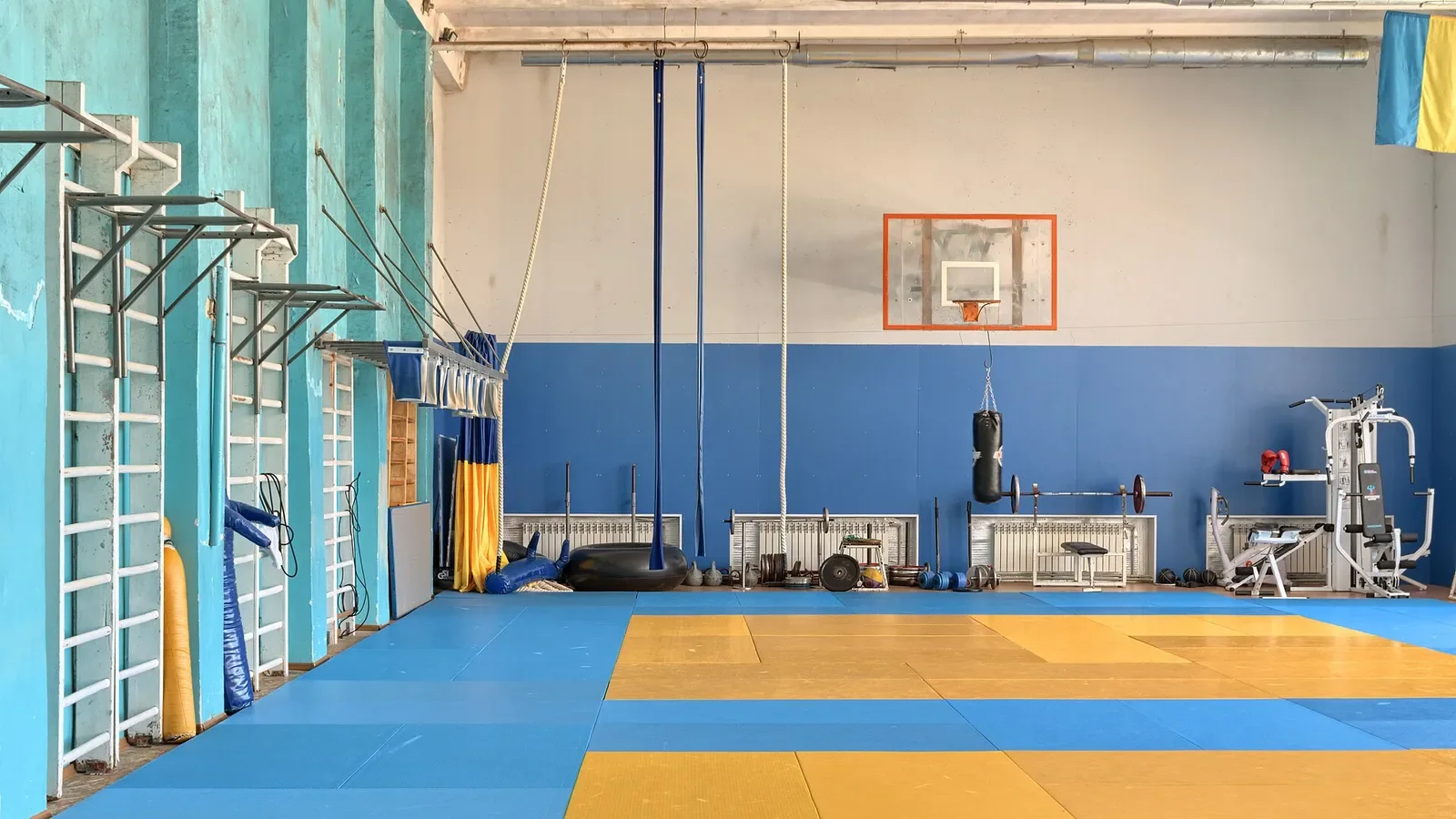
Photo: Sergej Majboroda ( https://polyhaven.com/all?a=Sergej%20Majboroda / https://web. on Wikimedia Commons, CC0
AI automation for gyms mostly means taking the admin off the owner's evenings: enquiries that sit unanswered, card payments that fail without anyone noticing, and members who stop coming before anyone spots it. For a studio with one or two staff, that work decides whether people stay, and most of it can be fixed in about a month. This guide covers what to automate first, how to set it up, and how to tell whether it kept members.
Where admin drains a small gym
Most small studios lose money in five places: trial enquiries, class bookings, renewals, failed payments and cancellations. Each one looks small on its own. Together they add up to a steady leak.
Trial enquiries are the first. People look at gyms in the evening and at weekends, when nobody is at the front desk. A vendor study by Replify, which looked at 105 facilities, found that 67% of gym website visits happen outside business hours and that 31% of gym calls are answered by staff. The sample is small and the study comes from a software vendor, so treat it as a direction rather than a benchmark. Still, if you have ever checked your phone at 9pm and found three unanswered messages, it will sound familiar.
Bookings, renewals, payments and cancellations leak in quieter ways. A class fills and a waitlist is handled by hand. A renewal is missed because the reminder was never sent. A card expires and the payment fails. A member stops coming for a month and nobody follows up until they cancel.
What to automate first: failed payments and renewal reminders
Start with money. Failed payments and renewals follow fixed rules, so they are the easiest work to automate, and the revenue loss is easy to measure.
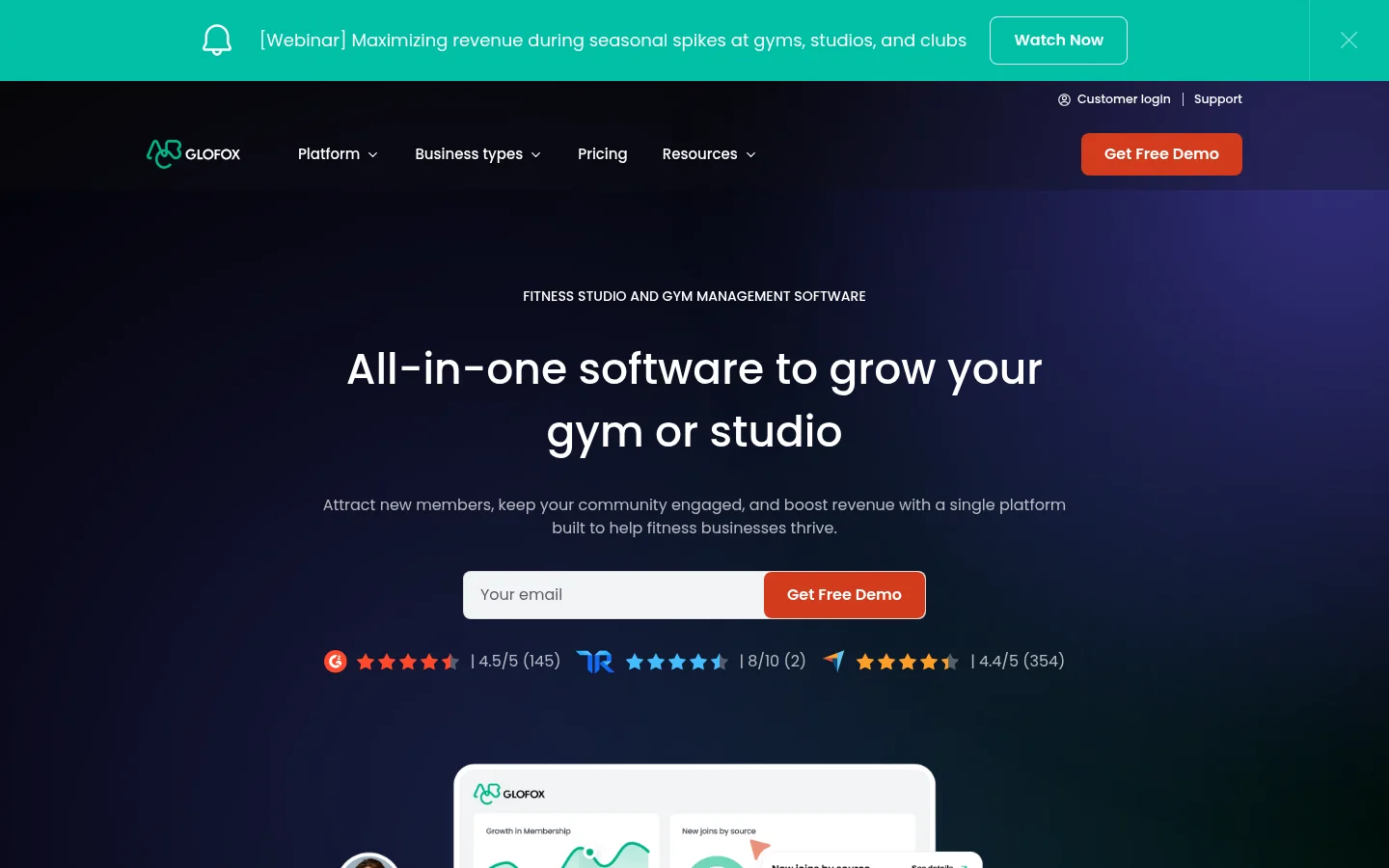
Glofox describes AI gym automation that handles recurring billing, failed payment retries and card expiration reminders without manual intervention. Tommaso Maria Ricci makes a similar point: automated, intelligent follow-up on failed payments recovers revenue that otherwise leaks away quietly.
A failed-payment sequence you can set up
A practical sequence looks like this. Adjust the timings to your payment provider's retry rules and your membership terms.
- Day 0: the payment fails. An automated text or email goes out the same day with a link to update card or bank details.
- Day 3: the system retries the payment.
- Day 7: a second, friendly message names the amount and the date the next attempt will happen.
- Once a payment has been overdue long enough to matter, a member of staff makes a personal call or sends a message. Check your terms before you suspend access, and get advice if you are unsure what they allow.
The point is not to chase people harder. Most failed payments are a card that expired or a bank that declined a payment. A short, clear message with a one-tap fix recovers most of them.
Renewal reminders
Send a reminder or two before a renewal date, one well ahead and one close to it. Each one should show the price, the new period and how to change or cancel. Hidden renewals create refund requests and bad reviews, so be open about it. Once you have the sequence, you can run it for every member without touching a spreadsheet.
Failed payment recovery
- 1
Retry failed payments automatically
Let the system retry declined cards on a fixed schedule without a member of staff chasing each one.
- 2
Send card expiry reminders
Warn members before their card expires, so the payment never fails in the first place.
- 3
Follow up on what is still unpaid
Automated, intelligent follow-up picks up the failures that retries miss, so revenue stops leaking quietly.
Answering trial enquiries fast and out of hours
Nexofit says AI-powered texting and email sequences respond to new leads in seconds and can book appointments without staff involvement, and that faster response times often mean more sign-ups. That is the workflow to fix second, because a prospect who gets a reply in minutes is far more likely to book a trial than one who waits until the morning.
A good trial reply does three things. It answers the question the person actually asked, such as whether there is a beginner class on Thursdays. It offers a specific next step, such as a booking link for a free trial session. And it hands over to a person when the enquiry needs one, for example when someone mentions an injury or asks for a corporate rate.
Consent matters here. In the UK, marketing texts and calls generally need consent under PECR and UK GDPR. Add a tick box to your sign-up form, keep a record of when and how each person agreed, and make it easy to opt out. Check the details with your data protection adviser before you go live.
If your booking is the bottleneck, our guide on appointment booking automation for small businesses walks through the setup in more detail.
Automating class booking, waitlists and no-show reduction
Nexofit lists automated class booking, waitlist systems and predictive attendance tracking as ways to keep classes full and cut no-shows. For a small studio, three rules do most of the work.
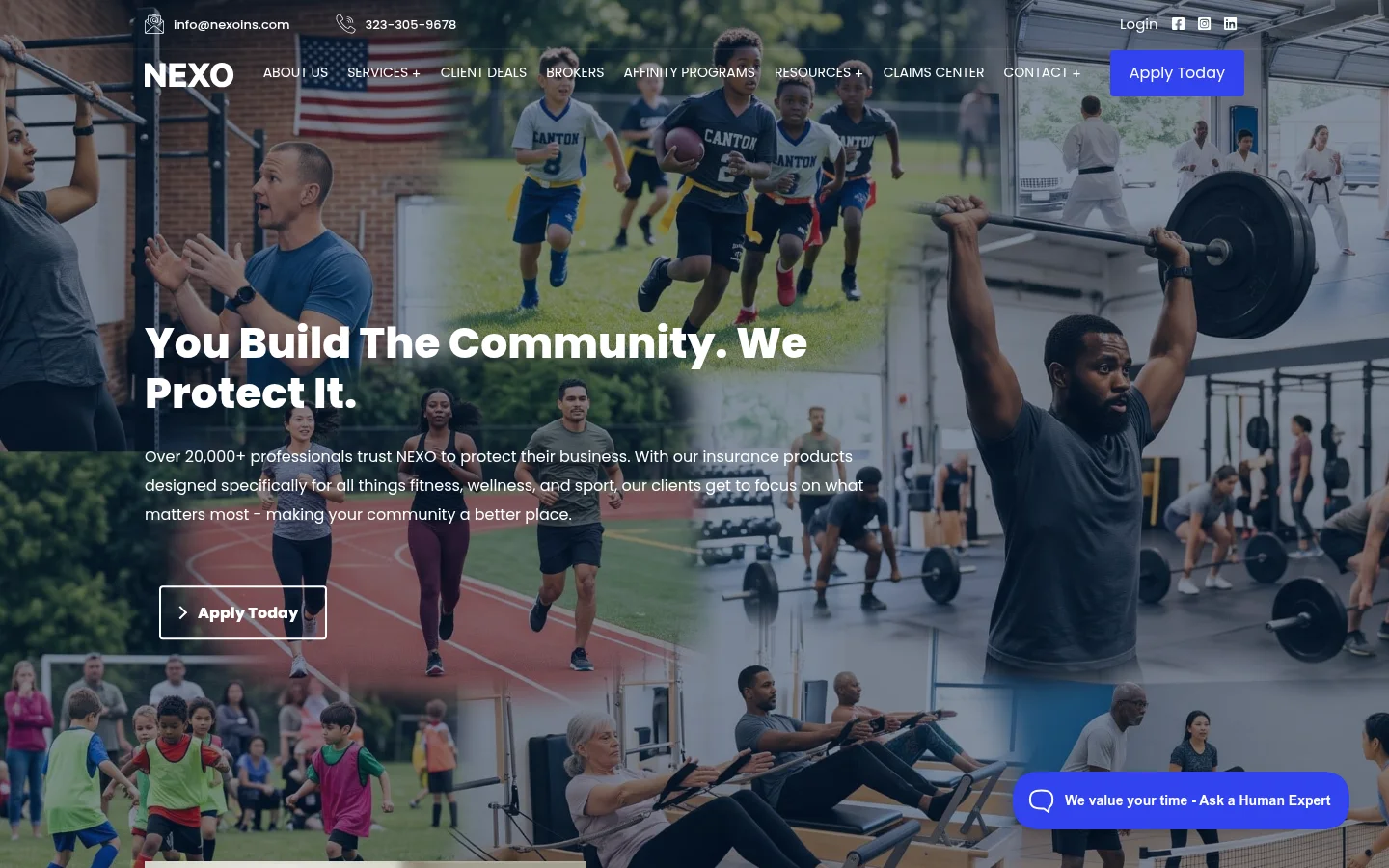
First, promote the waitlist automatically. When someone cancels, the next person on the list gets a message with a set time to claim the place. Second, send one reminder about two hours before class, with a link to cancel. A cancellation that comes early frees the slot for someone else, and that is worth more than a no-show. Third, track no-shows by member. Someone who has missed three sessions in a row is a candidate for the at-risk sequence below.
The trade-off is message fatigue. Members who get four texts a day will switch them off, or leave. Keep reminders to one or two per booking, and make sure every message has a real reason to exist.
Keeping classes full
Book
Automated class bookingRefill
Waitlist promoted automatically when someone cancelsAttend
Predictive attendance tracking flags likely no-showsCancellation follow-up and early at-risk flags
By the time a member cancels, the decision has usually been made. Club Automation describes flagging a member when attendance drops 50% over 30 days, so you can step in early instead of waiting for the cancellation. That threshold is one vendor's example. Set your own from your data, using how often a typical member comes.
The harder part is the sequence: who gets contacted, when, and by which channel. This is one workable version for a small studio.
| Trigger | Who contacts | When | Channel |
|---|---|---|---|
| Attendance halves over 30 days | Automated check-in, signed by the coach | Day 1 of the flag | Text or email |
| No visit within your agreed window | Coach or owner, personal message | Within 2 working days | WhatsApp or phone, if consent allows |
| Member asks to cancel | Automated reply asking one question, then a pause or downgrade offer | Same day | Email or in-app |
| 30 days after cancellation | Win-back message with one specific offer | Day 30 |
Keep the cancel-request question short: what is the main reason you are leaving? The answer tells you whether to offer a pause, a cheaper plan, a different class time or nothing at all. A personal reply from the coach often does more than any automated offer, so use automation to spot the people and have a human reach out.
Tool options for UK and US studios, and what to look for
You can buy this as part of gym management software, add a separate texting or AI reception tool, or build a small set of workflows yourself on top of your existing CRM. Each option has a different trade-off.
| Option | What it covers | Good fit when | Check before buying |
|---|---|---|---|
| Gym management software with built-in billing | Recurring payments, failed-payment retries, renewal and card expiry reminders | You are on or moving to this kind of software anyway | Whether retries and reminders are switched on by default, and whether they work for UK Direct Debit or your card provider |
| AI texting or reception add-on | Trial replies, booking links, out-of-hours answers | Enquiries are the main leak | Consent capture, handover to staff, and whether it reads your timetable live |
| Custom workflows on a CRM or automation platform | Cancellation flags, win-back sequences, custom reports | You have the data and someone to maintain it | Who fixes it when it breaks, and who owns the member data if you leave |
Whatever you choose, check these points before you sign:
- Prices and invoices in GBP for UK studios, with the payment rails you actually use, such as Bacs Direct Debit or card processing.
- A consent record for every marketing message, and a simple opt-out.
- Export of your member and payment data, in a format you can take elsewhere.
- Contract length and exit terms. Monthly is safer while you are testing.
- Support hours that cover your busiest times, which for many studios means evenings and weekends.
If you want a second opinion on whether you need a tool at all, our piece on AI customer support for small business covers where to start and where not to bother.
How to measure whether automation kept members
You cannot tell whether automation worked without a baseline. Pull eight weeks of numbers before you switch anything on. Then track the same numbers every month.
- Monthly cancellation rate: cancellations in the month, divided by members at the start of the month. The smaller your member base, the more a single cancellation moves the rate, so read it alongside the actual names.
- Failed-payment recovery rate: failed payments recovered within your recovery window, divided by all failed payments that month.
- Trial-to-join rate: people who joined after a trial, divided by people who booked a trial.
- Response time: the median time from an enquiry to the first reply. Measure it in minutes, not in whether someone felt quick.
- 90-day retention by joining month: of the members who joined in a given month, how many are still paying three months later. This shows whether your new members stick, separate from the overall churn.
Be careful with seasonality. January brings joins and summer brings cancellations, so compare the same month with the same month last year where you can. Also, don't credit automation for a price rise or a new timetable. Note any other change you made during the same period.
Worked example: what a 180-member studio might recover
The numbers below are made up to show the method. They are not from a real studio. Replace them with your own.
Inputs:
- Members: 180
- Average monthly fee: £55
- Failed payments per month: 10
- Recovery rate before automation: 40%
- Recovery rate after automation: 70%
- Monthly cancellation rate before: 4%
- Monthly cancellation rate after: 3%
Failed-payment recovery, per month:
- Payments recovered before: 10 × 40% = 4
- Payments recovered after: 10 × 70% = 7
- Extra payments recovered: 7 − 4 = 3
- Extra revenue: 3 × £55 = £165 a month, or £1,980 a year
Cancellations, per month:
- Leavers before: 180 × 4% = 7.2
- Leavers after: 180 × 3% = 5.4
- Members kept: 7.2 − 5.4 = 1.8
- Revenue kept: 1.8 × £55 = £99 a month, and that carries forward each month those members stay
Total first-month gain: £165 + £99 = £264. If the tool and setup cost you £200 a month, this example would not pay back in the first month. It would pay back by the third month only if you kept the members and the recovery rate held. That is the test to run on your own numbers before you commit.
Is AI automation for gyms worth it for a small studio? Costs, risks and a 30-day rollout
For a studio with under 200 members, the honest answer depends on what you already pay for. Many gym management packages already handle recurring billing and failed-payment retries, so the first step is to check what is switched on. Adding a second tool to do the same job is wasted money.
On cost, the Replify figure is one vendor's view: it puts AI reception and sales at $200 to $1,500 a month per location, in US dollars, and it is aimed at larger operators. Use it as a reference point, not a quote. What you pay depends on how many workflows you automate, whether you already own the software, and whether you set it up yourself or pay someone else to. For context, our Agency plan is priced by scope, from $499 to $2,999 a month, and it suits businesses with steady revenue, usually above about $5k a month. A small studio may find that too much for now. A free audit is the more sensible first step.
The risks are real. Over-messaging drives members away. Marketing texts without consent breach PECR and UK GDPR. An automated reply to a complaint can make a bad situation worse. Flexlab, speaking about AI automation, makes the sensible point that results come from starting with one clear workflow, reliable data and measurable outcomes, not from automating everything at once.
A 30-day rollout
- Week 1: pull your eight-week baseline. Check what your current software already does for payments and reminders.
- Week 2: switch on the failed-payment sequence and renewal reminders. Test each message on yourself first.
- Week 3: set up the trial enquiry reply and class reminders. Have a member of staff test the handover to a person.
- Week 4: add the at-risk flag and the cancellation question. Review the numbers at day 30 against your baseline.
Where to start
- Check what your current software already does for failed payments and renewal reminders, and switch those on first.
- Measure your baseline for cancellations, failed-payment recovery and trial-to-join for the last eight weeks.
- Pick one workflow for the next 30 days, and decide in advance what result would make you keep it.
If you want a clear view of what fits your studio before you spend anything, our AI systems and automation service is the place to see how we approach it. You can also look at our Free AI Audit and decide from there.
Get your free AI plan at the free AI plan page, which sets out the admin your studio can hand off first. If you would rather talk it through, book a call with us and we will go through your numbers with you.
Sources
See it in practice

Built by Pensact
Beauty Bar · An online store and app for luxury bags, fashion, watches and beauty in Egypt, with fast delivery and flexible payments.
Questions people ask
What admin can a small gym automate first?
Start with failed card payments and renewal reminders, because they follow fixed rules and the revenue loss is easy to measure. Trial enquiry replies and class waitlists come next. Automate one workflow, measure it for a month, then add another.
How can a gym use AI to reduce cancellations?
Flag members whose attendance drops sharply, such as by half over 30 days, and have a coach contact them before they ask to leave. When a cancellation request comes in, ask one question about the reason and offer a pause or a cheaper plan where it fits. Track your monthly cancellation rate before and after to see if it changed.
Is AI automation worth it for an independent gym with under 200 members?
It can be, but check what your current software already does before paying for another tool. A failed-payment and reminder sequence often pays back first, because it recovers money you are already losing. Run the numbers on your own members and fees before committing to a monthly cost.
How do I recover failed card payments without chasing members by hand?
Set up an automated sequence: a same-day message with a link to update details, a payment retry after a few days, a second friendly reminder a week later, and a personal follow-up only if the payment is still unpaid after about two weeks. Check your payment provider's retry rules and your membership terms before you set the timings.
Keep reading

AI automation for architects: proposals, revisions, admin
Enquiries, fee letters, revision logs and invoice chasing can often be automated safely. Planning and client-facing documents still need an architect's name and check on them.
Noah Hany · 26 Nov 2026

AI automation for hotels in Dubai: guest messages and reviews
The admin that eats a small Dubai hotel's day, what AI can safely send on its own, and what a manager must approve before it goes out.
Noah Hany · 26 Nov 2026

Clean data before AI automation: a practical checklist
The three data problems that break automations, and a one-week plan to fix them before you switch anything on.
Noah Hany · 26 Nov 2026