AI & Automation
8 min readIntelligent process automation for small business: what it adds
Rule-based bots break on emails and PDFs. Here's what document reading and machine learning add, two small business examples, and when it's not worth it.
If you're weighing up intelligent process automation for small business, you've probably already watched a simple bot fall over on a PDF. Rule-based automation is good at moving tidy data from one place to another, and it stops working the moment an input looks slightly different. This guide explains what changes when you add document reading and machine learning, which firms it suits, and when it's more system than you need.
What intelligent process automation means in plain terms
Robotic process automation (RPA) is software that copies what a person does on screen. It clicks, copies fields and pastes them somewhere else, following steps someone wrote in advance. MuleSoft notes that traditional RPA bots cannot learn, improve or incorporate unstructured data such as emails and documents (MuleSoft).
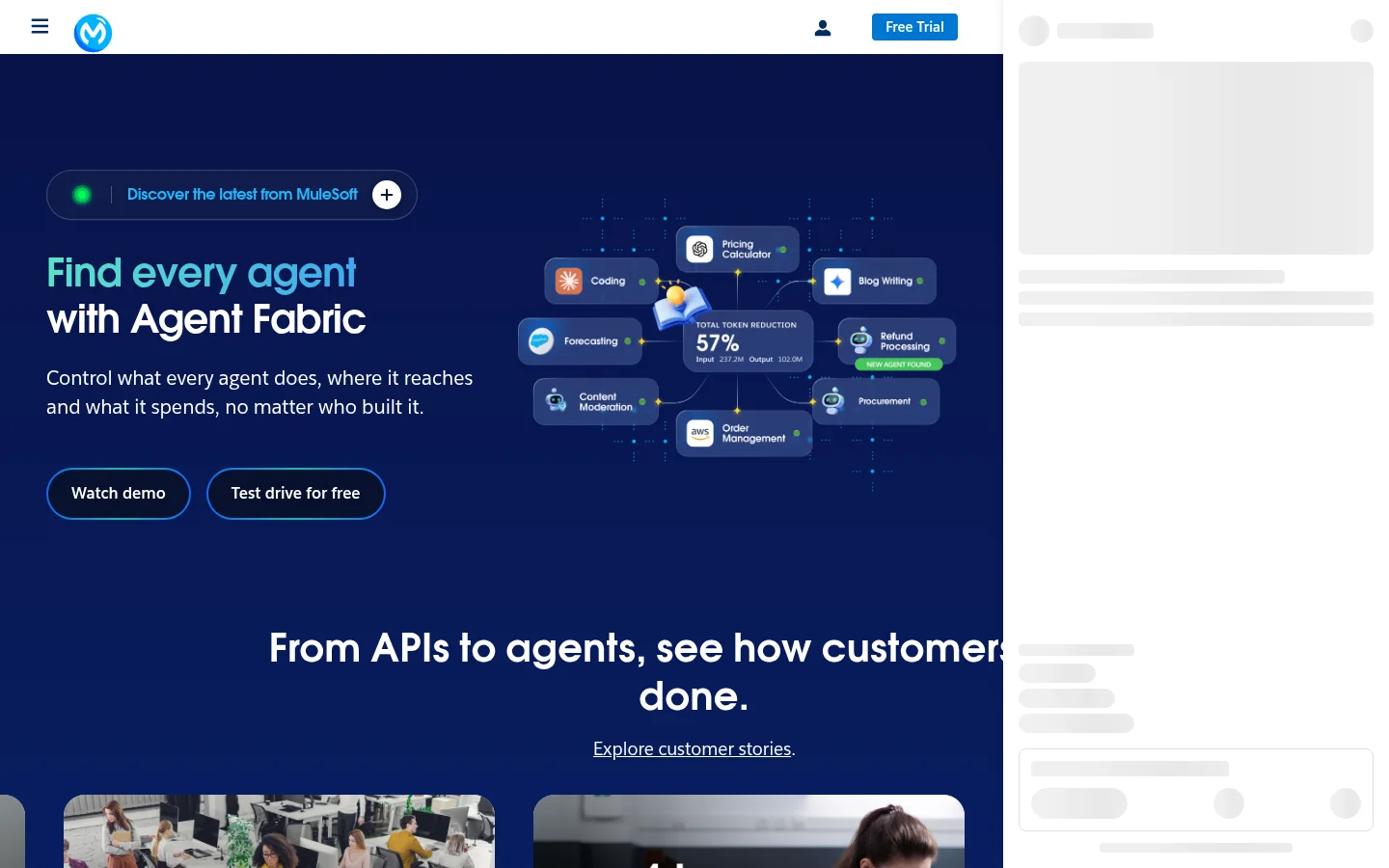
Intelligent process automation (IPA) keeps that bot layer and adds components such as artificial intelligence and natural language processing. It is aimed at decision-based work that normally needs a person to step in. MuleSoft describes IPA as RPA combined with these components to automate processes that typically require human intervention (MuleSoft).
In practice the labels blur. Vendors use IPA, RPA, hyperautomation and AI workflow tool to mean overlapping things. Don't get stuck on the name. Ask what the system does with an input it has never seen before.
What changes when document reading and machine learning are added
Traditional automation runs on rules people write in advance, the 'if this, then that' kind. Logic20/20 points out that when it meets a scenario with no rule, or with incomplete or irregularly formatted data, humans must step in (Logic20/20). That is where small firms lose the time they hoped to save: in the exceptions.
Document reading changes the first step. Computer vision includes optical character recognition (OCR), which converts scanned documents and images into text (MuleSoft). A system can then find the supplier name, invoice number and total on a PDF, even when the layout changes from one supplier to the next.
Language processing changes the second step: working out what a message is about. CodeWords describes the shift for small business as adding a reasoning layer that interprets intent and messy real-world inputs, instead of rigid rules (CodeWords). An email that says 'can you chase the order from Tuesday' can go to whoever handles orders, even though it matches no keyword.
Machine learning changes the third step: the system improves from corrections. It is not reading your mind, and it will still get things wrong. Good setups send low-confidence items to a person instead of guessing. The table below shows where each approach fits.
| Situation | Rule-based bot | IPA |
|---|---|---|
| Clean CSV export with fixed columns | Handles it well | Works, but overkill |
| Emailed PDF invoice, layout changes by supplier | Fails or waits for a human | Reads with OCR and extracts the fields |
| Free-text enquiry email | Needs keywords written in advance | Classifies intent and routes it |
| Unusual case or missing data | Stops and waits | Flags it for review with a reason |
Example one: supplier invoices processed end to end (example)
The numbers in this example are made up to show the method. Your figures will differ.
Inputs:
- 150 supplier invoices a month
- 5 minutes to key each invoice by hand
- 80% of invoices arrive clean enough for the system to read (assumed)
- 1 minute to check a clean invoice after the system has read it
- 10 minutes to fix an exception by hand
Today: 150 invoices × 5 minutes = 750 minutes = 12.5 hours a month.
After automation: 120 clean invoices × 1 minute = 120 minutes = 2 hours. 30 exceptions × 10 minutes = 300 minutes = 5 hours. Total = 7 hours a month.
Saving: 12.5 hours − 7 hours = 5.5 hours a month.
The flow runs like this. An invoice lands in a shared inbox. The system reads the PDF and pulls the supplier, invoice number, PO number, amount and due date. It matches the invoice to a purchase order. If it matches, it posts to accounting and queues the invoice for approval. If it doesn't, it sends the invoice to a person with the fields already filled in. One founder, writing on Reddit's automation forum, describes an AI office manager agent doing this kind of job, reading vendor invoices, extracting PO numbers and amounts, and routing them to a system such as QuickBooks (Reddit r/automation). That is one person's account, not proof, so test it on your own invoices first.
The example leaves out the software licence, the set-up time and the time spent correcting the system's early mistakes. Cost depends on your invoice volume, your accounting software and how many suppliers send unusual formats. Ask any provider for that breakdown in writing.
One invoice, one pass
Intake
Invoice arrives by emailScanned pages turned into text (OCR)Read
Supplier, PO number and amount pulled outCheck
Clean invoices pass throughOdd ones go to a personRoute
Approved invoices posted to the accounts systemExample two: enquiry forms routed and answered (example)
Suppose a plumbing firm takes enquiries from a website form, a contact email and a WhatsApp number. Rule-based automation can push the form fields into a CRM. It can't tell that 'my boiler's making a banging noise, can someone come today?' is urgent and belongs with the on-call engineer, while 'do you do bathroom fitting?' belongs with sales.
IPA reads the free text, labels the urgency and job type, and routes each enquiry. It can draft a reply offering the next free slot, and answer simple questions directly. Anything with a safety flag or a missing address goes to a person straight away. If the admin around enquiries is your biggest drain, our guide to AI automation for tradespeople covers the jobs worth handing off first.
Same enquiries, two approaches
Rule-based automation
- Pushes form fields into the CRM
- Sends every enquiry to the same queue
- Misses urgency in plain wording
Reads intent
- Flags the boiler noise as urgent
- Routes it to the on-call engineer
- Sends the bathroom question a standard reply
The reading layer is what catches the urgent message.
Intelligent process automation for small business: costs, skills and where to start small
Cost depends on how many processes you automate, how messy the inputs are, how many systems need connecting, and whether you build or buy. Be wary of any quote that doesn't name those four things. For reference, Pensact's AI Systems & Automation service starts from $499 and typically takes 1 to 3 weeks, but the right scope depends on your processes, and we'd rather scope it than guess.
You don't need a data science team. You need someone who knows the process well enough to say what a correct result looks like, someone who can connect the systems, and someone who checks the exceptions each week. For a small firm, that is often the owner or an operations lead with a few hours a week set aside.
Logic20/20 suggests starting IPA with pilot projects that deliver quick wins, such as automating payroll or claims processing (Logic20/20). For a small firm, choose one process with high volume and clear right answers, such as supplier invoices. Don't start with the messiest process in the business.
Ask any quote to name these four things
When intelligent process automation is overkill for a small business
Most of the time, a simpler tool is the right call. It's overkill when:
- Volume is low. A handful of invoices or enquiries a week can be handled by a person in less time than the set-up takes.
- The data is already structured and stable. A weekly export with fixed columns going into one system needs a scheduled import, not document reading.
- The task is one simple step. A web form that sends an email or adds a row to a sheet is a job for a form tool with a built-in connector.
- Nobody can describe the process. If the steps and the right answers aren't written down, automating it just automates the confusion. Write it down first.
- Nobody will check the output. Machine learning makes mistakes. If no one reviews the exceptions, the errors pile up quietly.
If your process fits none of these, IPA may be worth a pilot. If it fits one or more, spend the money on a simpler fix.
Is RPA still relevant, and is it dying?
RPA is still useful for stable, rule-based work with structured inputs. A bot that copies fixed fields between two systems that never change is cheap to run and easy to understand. Its weak point is the one already covered: it can't read unstructured inputs such as emails and documents, as MuleSoft notes (MuleSoft).
We haven't found reliable evidence that RPA is being retired, so treat any claim that it's 'dying' with caution and check who is selling what. Many of those claims come from firms selling the next product. A rule-based bot and an IPA system are different tools. For many small firms, the first is enough.
It's also worth knowing where the headline numbers come from. Rippling, which sells HR software, reports that small businesses save an average of 114 hours per employee each year through AI-powered automation, and that 77% now use at least one AI tool (Rippling). That is a vendor's figure. Read it as a sign of direction, not a forecast for your firm.
How to choose between RPA, AI workflow tools and IPA
Match the tool to the input, not to the buzzword.
| Option | Best for | Handles messy input? | Where to start |
|---|---|---|---|
| Form tool with a connector | One simple step with fixed fields | No | Check what your current software already offers |
| RPA bot | Stable clicks between systems with fixed fields | No | Steps you can write down in order |
| AI workflow tool | Routing and drafting replies with a clear end point | Partly | One process, with a human approval step |
| IPA | Documents and emails that need decisions and exception handling | Yes | One high-volume process, piloted first |
If you're comparing providers, our guide to business process automation service quotes explains what to ask for so the numbers are comparable.
Where to start
- Count the volume. How many invoices, enquiries or forms a week, and how many minutes each takes.
- Pick one process with clear right answers and a clear owner.
- Write down the exceptions before anyone builds anything.
- Run a one-month pilot and measure hours saved and error rate.
- Keep a person on every exception until the error rate is acceptable to you.
- Only then add a second process.
If you want a straight answer on whether intelligent process automation fits your firm, or whether a simpler tool will do, get a free AI plan or book a call and we'll go through your processes with you.
Sources
See it in practice

Built by Pensact
Go Way · A ride-hailing app for Egypt where riders pick the offer that suits them, across car, scooter or tuk-tuk. We built its systems and CRM.
Questions people ask
Is RPA still relevant in 2026?
Yes, for stable, rule-based work with structured inputs, such as copying fixed fields between two systems. Its weak point is unstructured input like emails and PDFs, which RPA bots cannot learn to handle on their own. Check whether your process actually has that problem before paying for anything new.
Is intelligent process automation different from RPA?
Yes. IPA keeps the bot layer and adds AI, natural language processing and OCR, so it can read documents and handle decisions that would otherwise go to a person. Vendors blur the labels, so judge any tool by what it does with an input it has never seen before.
Does a small business need intelligent process automation?
Only if you have a high-volume process built on documents or free-text messages, and someone to check the exceptions. For a few invoices a week or one simple form, a form tool or a plain integration is usually enough.
Which automation software is best for small business?
There is no single best option. Choose by process: a form connector for one simple step, an RPA bot for stable clicks between fixed systems, an AI workflow tool for routing and drafting, and IPA for messy documents. Pilot one process and measure the hours saved before you commit.
Keep reading
Is a free AI audit worth your time? What to expect
A free AI audit can be a useful hour or a sales call in disguise. Here is what a good one covers, what it can't know, and what to ask first.
Noah Hany · 15 Nov 2026
AI automation agency USA: what a small firm should pay
Whether an AI automation agency USA firm is worth its fee depends on how often the same work repeats in your business. Here is how to tell, and what a small firm should expect to pay.
Noah Hany · 14 Nov 2026
AI customer support for small business: where to start
Which customer messages can AI take over safely, what needs a person, and how to hand off without trapping anyone in a loop.
Noah Hany · 14 Nov 2026