AI & Automation
9 min readAI automation for online shops: orders, returns and restocks
AI automation for online shops pays off fastest on repetitive order admin. Here is what to automate first, what a person should still decide, and how to measure it.
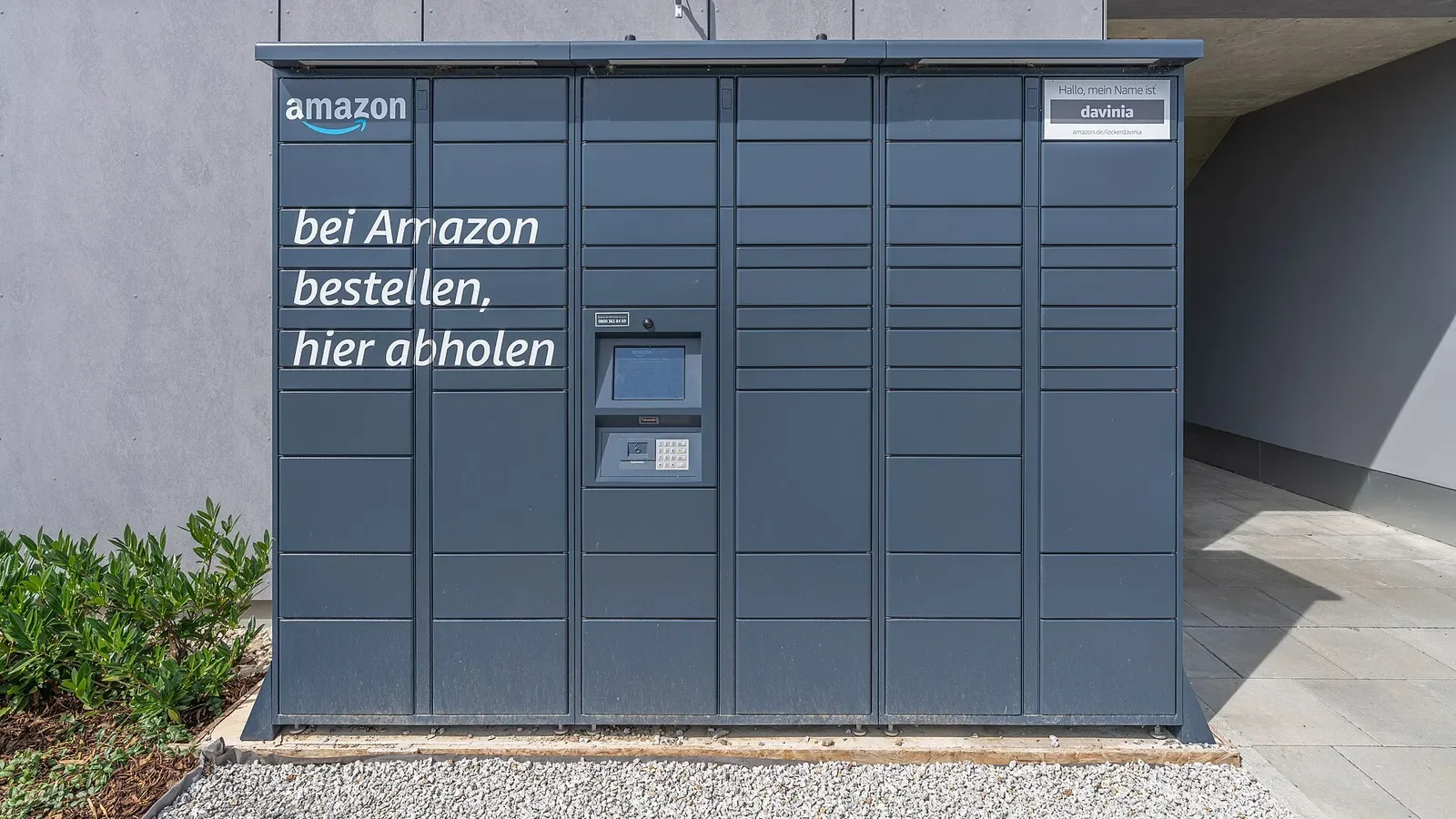
Photo: PantheraLeo1359531 on Wikimedia Commons, CC BY 4.0
AI automation for online shops pays off fastest on the repetitive jobs: order confirmations, shipping updates, stock alerts, returns, review requests and abandoned baskets. If you run a store doing a few hundred orders a month, you probably answer the same questions every day and count stock by hand, and none of that makes the shop better.
Start with the boring wins in a store under 500 orders a month
Start with the jobs that repeat, follow a predictable path and cost you time. Review requests and abandoned-basket emails come after, because they touch revenue and need more care with tone and timing.
Ignore the long lists of capabilities you'll see online. Most of them assume a bigger team, several sales channels and data that's already clean. Pick the one job that eats the most of your week, automate it, measure it, and only then move on to the next.
Order confirmations and shipping updates: triggers, templates and exceptions
Every automated message needs three things: a trigger, a template and an exception path. The trigger is an event from your platform, such as order placed, payment taken, parcel dispatched or parcel delivered. The template is the wording. The exception path is what happens when the event doesn't fit, such as a split shipment, a backorder or a failed delivery.
Write five or six templates by hand before you touch any AI. Keep them plain: what was ordered, when it will ship, the tracking link and a real contact address. AI can help you draft variations or tidy up the tone, but the facts in each message should come from order data, not from a model guessing.
Exceptions are where small shops get caught out. Set a simple rule: if an order has a backorder tag, a value above a set amount or an address flag, it skips the automatic message and lands in your inbox. Most platforms can handle this with tags and filters. You'll cut the number of 'where is my order' messages quickly, and you won't promise a delivery date you can't keep. If you want the wider picture on which customer messages to hand over first, our guide to AI customer support for small business covers the same trade-offs.
How one automated order message works
Trigger
Order placedPayment takenParcel dispatchedParcel deliveredTemplate
Wording for that eventException path
Split shipmentAnything that doesn't fit the templateStock alerts: rules first, AI only where the inputs are messy
A stock alert is a threshold check. When quantity falls to or below a reorder point, someone gets told. That's a rule, and your platform's native alerts or a spreadsheet can do it. A Reddit post on e-commerce automations uses stock of 8 against a reorder threshold of 10 as its example, and argues that an LLM adds nothing when the inputs are structured and the next action is predictable.
Use AI only where the inputs are messy: supplier emails with unclear lead times, a range where demand swings by season, or sales spread across channels with different counts. Even then, the model should suggest a number and a person should approve the order.
Marketplace-plus-own-site sync is where small sellers get hurt. If your shop and a marketplace each hold their own stock count, a sale on one can lag behind the other, and you sell the same unit twice. Pick one place as the master count, push updates to every channel and keep a small buffer on fast sellers during the lag. Check the sync after every busy weekend, not only after a customer complains.
| Job | Use a rule | Use AI |
|---|---|---|
| Reorder alert | Yes, fixed threshold | Only if lead times vary and need judgement |
| Order confirmation | Yes, filled from order data | Tone variations, never the facts |
| Return reason sorting | Tags from form choices | Reads free-text emails, suggests a category |
| Refund approval | Yes, limits you set in writing | No, a person decides |
| Review request | Yes, timed after delivery | Writes the copy, not the timing |
| Abandoned basket | Yes, timed sequence | Personalises copy from cart contents |
Worked example: setting a reorder point (made-up numbers)
These numbers are made up to show the method. Inputs: average sales of 4 units a day, a supplier lead time of 7 days from order to stock on your shelf, and 6 units of safety stock for late deliveries.
Step 1: 4 units a day x 7 days = 28 units sold while you wait for the restock.
Step 2: 28 units + 6 units of safety stock = 34 units.
Set the alert at 34. When stock falls to 34, the alert fires. Recalculate when lead times or sales change. You don't need a model for this.
Returns without upsetting customers: where AI drafts and a person decides
Returns are where automation can go wrong fastest. A customer with a faulty item who gets a cheerful template and no real answer will leave, and may tell others. The boundary we'd draw is this: AI can read, sort and draft, but a person decides money and exceptions.
One merchant describes an agent that reads incoming emails, sorts them by topic, checks Shopify for a matching order and drafts a reply, which the merchant still reviews and sends. That's the right shape. The model saves the reading and the lookup, and the human keeps the judgement. (The source is a Reddit thread from a store owner testing AI agents, not a controlled study.)
Write the rules down. AI may tag a return reason, pull the order, draft a reply and suggest next steps from your returns policy. A person approves every refund, every exception to policy, every damage claim and anything that mentions safety. Tell customers how to reach a human, and sign messages with your shop name and a real contact address. Don't let a message imply a person wrote it if nobody did. Honest disclosure keeps trust when something goes slightly wrong.
What the returns agent does and what the merchant does
AI drafts
- Reads incoming emails
- Sorts them by topic
- Checks whether the customer has an order in Shopify
- Drafts a reply
A person decides
- Reviews the draft
- Decides refunds and exceptions
- Sends the reply
One merchant's agent works this way, and the merchant still reviews and sends every reply.
Review requests and abandoned baskets: timing, offers and limits
Review requests work when they arrive after the customer has the product, not before. Send one request, a few days after delivery is confirmed. Skip anyone who returned the item, raised a complaint or is still waiting on another order. Don't offer a reward for a review unless the marketplace or platform you sell on allows it.
Abandoned-basket emails are worth testing even for a small store, provided you have consent to market to the person and the sequence stays short. The published figures are high, but they come from vendors and agencies. MindStudio puts average cart abandonment at 76.8% and says automated cart recovery can recover up to 20% of abandoned carts. InfyOm says AI can recover 20 to 35% through personalised reminders and discounts. Treat both as claims to test, not forecasts for your shop.
Keep the sequence limited: a first reminder within a few hours, one follow-up a day or two later, then stop. Discounts eat margin, so only use them on carts where you know the margin still works. With a few hundred orders a month, the recovered sales may be modest. That's still worth knowing, because once it's built it runs without much attention.
Week-by-week first-month plan
Assume one person owns the project and gives it a few hours a week. That's a planning budget, not a benchmark. It stretches if you write lots of templates or your platform needs plugins set up.
Week one: measure before you automate. For five working days, log every order admin task with its minutes: confirmation questions, tracking queries, stock checks, returns emails and review follow-ups. How much time does order admin take each week? It depends on your order volume, your returns rate and how many channels you sell through, so measure your own shop rather than trusting a generic figure.
Week two: build order confirmations and shipping updates. Write five or six templates, set the triggers and add exception tags. Test on real orders with your own staff inbox as the recipient.
Week three: set stock alerts and choose the master count. Calculate reorder points for your top 20 products by sales, set the alerts and check channel sync across a full weekend.
Week four: add returns triage with a human approval step, then switch on review requests and one abandoned-basket sequence. Turn on only one new automation at a time, so you know what changed if something breaks.
At the end of the month, compare the week-one log with what you're spending now. If you'd rather have someone build and check this for you, our AI Systems & Automation service starts from $499 and typically takes 1 to 3 weeks. The final cost depends on how many platforms and channels you connect.
What to measure: time, errors, recovery, refunds and complaints
Measure against a baseline, not a vendor's promise. Use your week-one log for time. Then track five things: time spent per week on each task; error rate, meaning wrong order details, wrong stock sold or messages sent to the wrong customer, per 100 messages; recovery rate, meaning recovered orders divided by carts that received a reminder; refund rate on orders that went through automated flows, compared with the same period before; and complaint rate, meaning tickets per 100 orders.
Recovery needs a control group. Hold back a random slice of abandoned carts, perhaps one in ten, and send them nothing. Without that, you'll credit the emails for sales that would have happened anyway. Run the test for a month or two before you believe the figure.
Owner accounts can be dramatic. In one YouTube walkthrough, a store owner says AI took 50 hours a week of WhatsApp customer messages down to zero. That's one owner's account, and a store with a different mix of questions will see something else. Your own log is the only number that counts.
Common mistake: letting an LLM make decisions a rule could make
The most common error is using a language model where a rule works better. A rule gives the same answer every time, costs little to run and is easy to check. A model is useful for reading messy text, drafting and sorting. Don't use it to decide whether stock is low, whether a refund is allowed or whether a customer qualifies for a discount.
Other mistakes follow the same pattern. Sending AI-written return replies without review. Letting a model promise delivery dates it can't know. Switching on five automations in one week so you can't tell what broke. Skipping the baseline, so you can't prove anything worked. Our piece on intelligent process automation for small business explains where the rule-based and AI parts of a workflow should split.
Where to start
- Log every order admin task for one week, with minutes against each.
- Write five or six confirmation and shipping templates, and tag the exceptions that skip them.
- Set reorder points from average sales and supplier lead time, and use a rule to fire the alert.
- Pick one master stock count and check channel sync across a full weekend.
- Add returns triage where AI sorts and drafts, and a person approves every refund.
- Hold back a control group before you judge abandoned-basket emails.
If you want a second opinion on which of these your shop should tackle first, the Free AI Audit is a 30-minute call with a strategist. There's no card and no obligation, and you leave with your top 10 tasks AI can take over. You can get a free AI plan or book a call when it suits you.
Sources
- AI Automation Solutions for E-commerce Industry (InfyOm)
- E-Commerce AI Automations: From Browsing to Buying (MindStudio)
- 7 Proven AI Systems Giving Ecommerce Stores an Edge in 2025 (Liam Ottley)
- [Cross-platform] Five ecommerce automations I'd keep mostly boring (Reddit r/aiecommercetip)
- Spent the last month testing AI agents to handle our store's daily tasks (Reddit r/AutomateShopify)
- How enterprise brands are retooling commerce platforms to capture AI shoppers (Retail Dive, sponsored by Shopify)
See it in practice

Built by Pensact
Al Jouf Agricultural Development Co. · The shopping app and store for one of Saudi Arabia's largest agricultural companies, selling its organic olive oil and farm products straight to customers.
Questions people ask
What should an online shop automate first?
Start with the jobs that repeat and follow a predictable path: order confirmations, shipping updates and stock alerts. Log a week of order admin first so you know which tasks take the most minutes. Add returns triage and abandoned-basket emails only after the basics are running and measured.
Can AI handle returns without upsetting customers?
Yes, if AI only reads, sorts and drafts, and a person approves every refund, exception and damage claim. Tell customers how to reach a human and never imply a person wrote a message when nobody did. Returns go wrong when a template gives a cheerful reply to someone with a faulty item.
How much time does order admin take each week?
It depends on your order volume, your returns rate and how many sales channels you run. The only reliable answer comes from logging every admin task with its minutes for five working days. Use that log as your baseline before you judge whether any automation saved time.
Is it worth sending abandoned basket emails if my store is small?
It can be, provided you have consent to market to the customer and the sequence is short, with a first reminder within a few hours and one follow-up. Published recovery figures of up to 20 to 35% come from vendors, so test on your own shop. Hold back a control group of carts so you can see what the emails actually add.
Keep reading

AI automation for architects: proposals, revisions, admin
Enquiries, fee letters, revision logs and invoice chasing can often be automated safely. Planning and client-facing documents still need an architect's name and check on them.
Noah Hany · 26 Nov 2026

AI automation for hotels in Dubai: guest messages and reviews
The admin that eats a small Dubai hotel's day, what AI can safely send on its own, and what a manager must approve before it goes out.
Noah Hany · 26 Nov 2026

Clean data before AI automation: a practical checklist
The three data problems that break automations, and a one-week plan to fix them before you switch anything on.
Noah Hany · 26 Nov 2026