AI & Automation
8 min readZapier vs Make for Small Business: Which Fits Your Workflow
Zapier or Make? We compare setup, pricing, error handling and an invoice follow-up workflow, and say when neither tool is the right answer.

Photo: Thecommondesk on Wikimedia Commons, CC BY-SA 4.0
Zapier vs Make for small business is a choice most owners make on a hunch, then regret three months later when the bill jumps or a workflow quietly breaks. You want a first automation that works, costs a sensible amount and doesn't need a developer to keep alive. Here is how the two compare on the things that matter, using invoice follow-up as the test.
Zapier vs Make at a glance: who each is built for
Zapier is built for business users who want a working automation fast. Make suits people who want more control over complex flows and care about cost as volume grows. That is the split described by CodeBase Coders, and it matches what we see. The real question is who will build the workflow and who will maintain it a year from now.
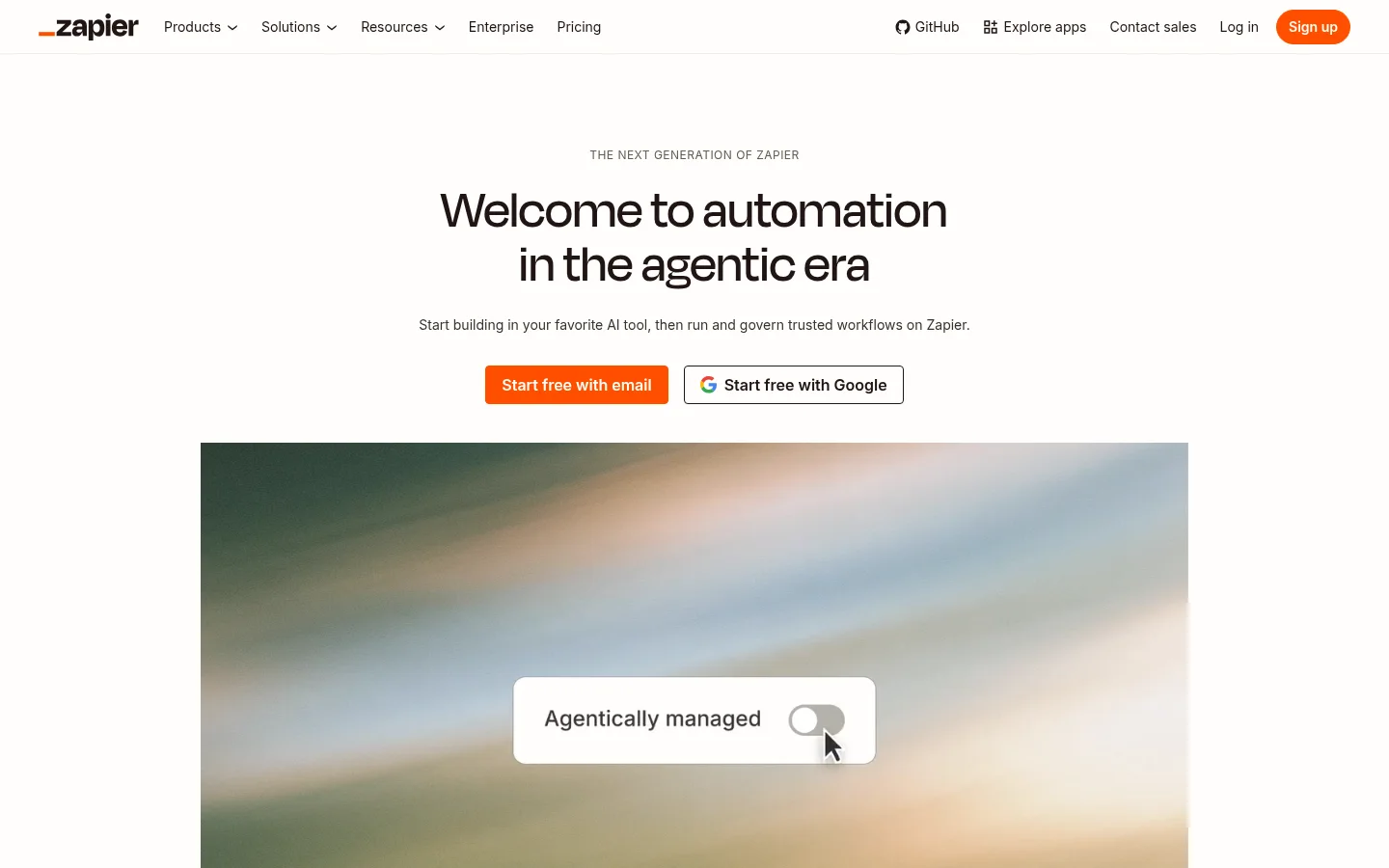
On app coverage, Zapier is ahead. SmallBiz Innovation puts Zapier at 7,000+ integrations against roughly 1,400 for Make. Other sites quote higher Zapier figures, and both companies change these numbers often. Don't trust any count in an article, including this one. Check that your own apps (accounting, CRM, email, forms) are on each list before you commit.
| Zapier | Make | |
|---|---|---|
| Built for | Business users wanting speed | Users wanting complex flows and lower cost at scale |
| Integrations | 7,000+ (per SmallBiz Innovation) | Roughly 1,400 (same source) |
| Billing basis | Completed work actions | Every module run |
| Learning curve | Gentle | Steeper |
Setup effort: how fast a non-technical owner gets a first automation running
Zapier wins on first-day speed. Its model is a simple chain: a trigger, then actions, one after another. If your flow is "new form submission, add row to a sheet, send an email", you can have it live in an afternoon with no training.
Make shows your workflow as a visual map of connected modules. That is more powerful, and it is also more to take in. A non-technical owner will usually need a few sessions before the map makes sense, especially once data has to be reshaped between steps. Builts AI recommends Zapier when you need the fastest possible setup, your automations are simple two-to-three step flows, or your team has zero tolerance for a learning curve.
Honest verdict: for a first automation built by the owner or an office manager, Zapier is easier. Make is easier to outgrow less, but harder to start.
Pricing by task volume: how costs grow as workflows multiply
The two tools count usage differently, and that is where most surprises come from. According to a Reddit r/Integromat thread, Make bills every module run, while Zapier charges per completed work action. So a ten-step workflow can use very different amounts of allowance on each platform, depending on how steps are counted.
At low volume, the difference barely matters. At high volume it does. FabSolutions cites roughly $599 a month on Zapier and roughly $90 a month on Make for a system running about 50,000 tasks a month. That is a vendor-cited figure from an agency blog, so treat it as a direction, not a quote. Plans and limits change, so check both pricing pages with your own numbers.
The bigger risk is growth. The same FabSolutions piece says monthly task use typically rises by over 400% within 60 days of a small business adding AI-driven workflows. Whatever you pay in month one is not what you will pay in month three.
How to estimate your own volume
- List every workflow you plan to run in the next six months.
- For each, count the steps and how many times it fires per month.
- Multiply, then add a buffer for retries and new workflows.
- Compare that total with each tool's plan tiers.
See the worked example below for the method.
Monthly cost at about 50,000 tasks (vendor-cited)
Source: FabSolutions
Error handling and reliability when a workflow fails midway
This is the part nobody compares, and it is where cheap automations become expensive. Say your invoice workflow creates the invoice, then fails when it tries to send the email. Now you have an invoice that exists and a customer who never heard about it.
Both tools log runs and show where a step failed. The practical differences are in how much control you get over what happens next. Make lets you build error routes into the flow itself, so a failure can trigger an alert, a retry or a fallback path. Zapier's approach is simpler: you see the failed run, get notified and replay it. That is easier to understand, but you have less say over the fallback.
Whichever you pick, do three things:
- Send failure alerts to a real person, not an inbox nobody reads.
- Name one person who checks the run history weekly.
- Design steps so a replay won't send the same invoice or email twice.
That last point catches people out. Retrying a half-finished workflow can duplicate work unless you check for it first.
Multi-step workflows: invoice follow-up compared side by side
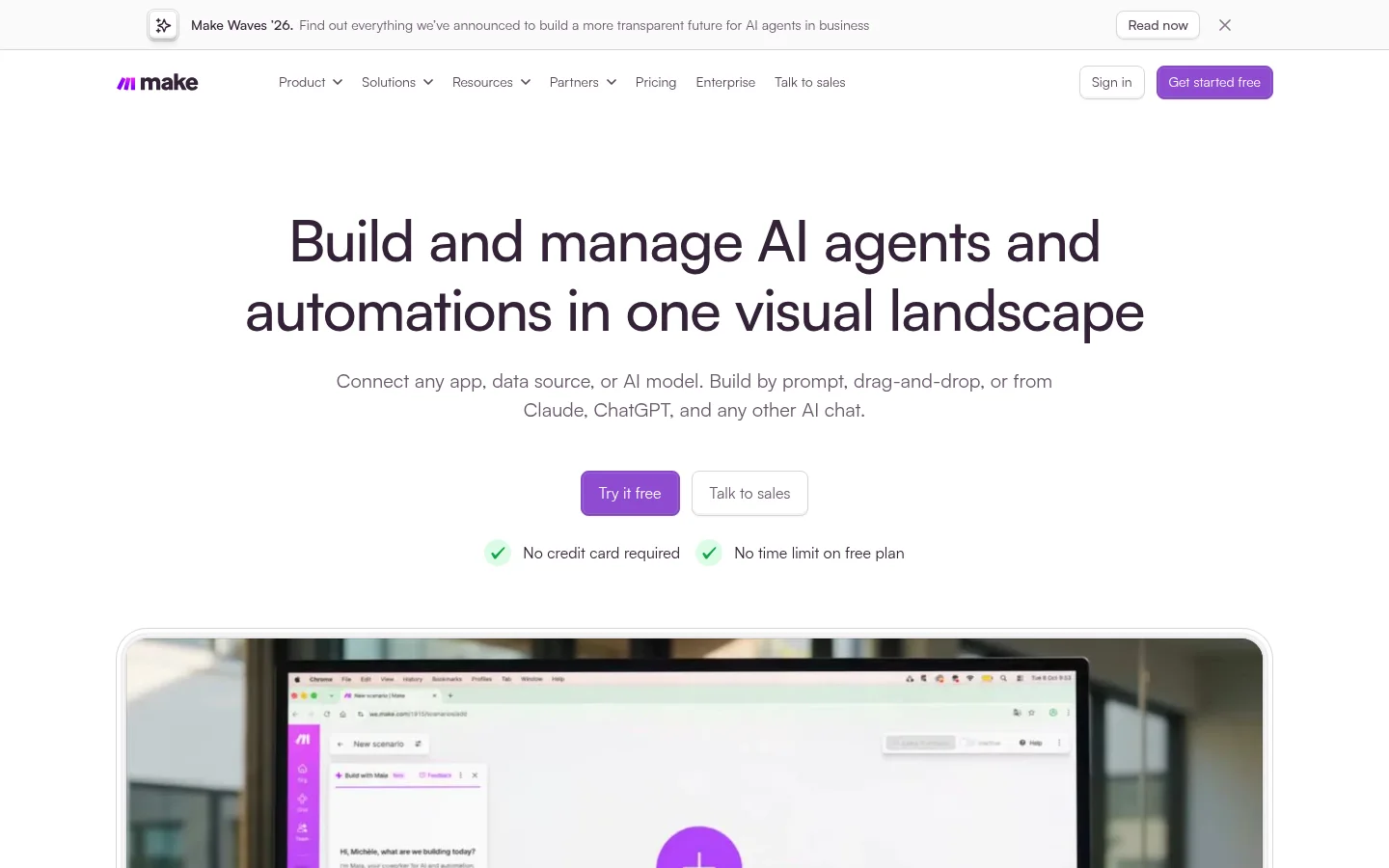
The branching is the key. Make's Router splits a flow into routes, and BindBots says it is free and easy to see. Zapier Paths do the same job, and the same source notes that Paths do not use tasks. So branching is not a hidden cost on either one.
| Step | Zapier | Make |
|---|---|---|
| Daily check for unpaid invoices | Schedule trigger plus accounting app search | Scheduled scenario with a search module |
| Branch by days overdue | Paths | Router |
| Wait between reminders | Delay step | Sleep or scheduled re-check |
| Alert on failure | Notification and replay | Error route you design |
| Easier to read at a glance | Linear list | Visual map |
For a flow this size, either works. Zapier is quicker to set up. Make gives you a clearer picture of the branches and a firmer grip on failures. If your accounting app is only on one platform, that settles it.
Which to pick for a first automation: a decision framework
Builts AI gives a clean rule of thumb. Choose Make if you are building more than five automations, need branching logic or AI integration, or care about cost efficiency at scale. Choose Zapier if you need the fastest setup, your flows are simple two-to-three step chains, or your team has zero tolerance for a learning curve.
We would add one question on top: who maintains it? The person who builds the workflow is often not the person who fixes it six months later. If that is an office manager with no spare time, pick the tool they will actually open.
- Pick Zapier if you have one to three simple flows, nobody technical, and want it live this week.
- Pick Make if you expect to run many flows, need branching, or know volume will climb.
- Pick neither yet if you cannot describe the process on one page. Fix the process first.
Worked example: estimating monthly task volume
These numbers are made up to show the method. They are not real pricing or a client result.
Inputs:
- Invoice follow-up: 5 steps, runs for 60 invoices a month
- Lead capture: 4 steps, 120 leads a month
- Weekly report: 3 steps, 4 runs a month
- Buffer for retries and new flows: 20%
The sum:
- Invoice follow-up: 5 x 60 = 300
- Lead capture: 4 x 120 = 480
- Weekly report: 3 x 4 = 12
- Subtotal: 300 + 480 + 12 = 792
- Buffer: 792 x 0.20 = 158 (rounded)
- Total: 792 + 158 = 950 operations a month
Now check that 950 against each tool's plan tiers, remembering that Make counts every module run and Zapier counts completed work actions. If you plan to add AI steps, rerun the sum with the usage multiplied, as the 400% figure above suggests it can.
When neither tool is right and a custom build wins
No-code tools are good at connecting apps that already talk to each other. They are weaker when your process is unusual or business-critical. A custom build tends to win in these cases:
- Your workflow needs real business logic, such as pricing rules, approvals or stock checks that don't fit a chain of steps.
- The data is sensitive and you need control over where it lives.
- Volume is high enough that per-task billing outweighs the cost of owning the system.
- A failed step costs real money or trust, and you need proper testing and monitoring.
- Your team works inside a custom portal or internal tool that the no-code apps can't reach well.
A custom build is not free of trade-offs. Someone has to host it, fix it and update it. Be wary of any agency pitch, ours included, that treats self-hosting as automatically better. One Reddit r/AiAutomations commenter advised a small gym with minimal technical ability not to start with self-hosted n8n, because the tool should minimise future admin pain. We agree. The right answer depends on who looks after it.
If you want to see what this looks like in practice, our AI systems and automation service covers builds like lead capture to CRM to follow-up. For client portals and internal tools, see websites, apps and software.
No-code tool or custom build
No-code tool
- Connects apps that already talk to each other
- Fits simple chains of steps
- Gets weaker when the process is unusual or business-critical
Custom build
- Handles real business logic such as pricing rules, approvals or stock checks
- Built around your own process rather than a chain of steps
Stay with a no-code tool while the chain fits. Move when the process is unusual or business-critical.
When to stop using a no-code tool: warning signs
You don't need to leave Zapier or Make the moment things get complicated. Look for a pattern of these signs:
- Your monthly bill keeps climbing faster than the value you get.
- One person is the only one who understands how it all fits together.
- Workflows break and customers notice before you do.
- You are adding workaround steps to force the tool to do something it wasn't made for.
- You spend more time fixing automations than the automations save.
Two or three of those is your cue to price up a proper build. Our guide on how to compare business process automation quotes and our piece on how to brief an AI agency will help you get a fair comparison.
Where to start
- Write down the one process that wastes most time, step by step, on one page.
- Check that your apps are available on both platforms.
- Run the volume sum above with your own numbers.
- Build that one flow in Zapier if you want speed, or Make if you expect to grow.
- Name an owner for failure alerts and a weekly check.
- Review after 60 days, when usage tends to have grown.
If you want a second opinion on which tool fits, or whether a custom build makes more sense, get a free AI plan and we will map your top tasks with you. Or book a call and talk it through with a strategist.
Sources
See it in practice

Built by Pensact
Go Way · A ride-hailing app for Egypt where riders pick the offer that suits them, across car, scooter or tuk-tuk. We built its systems and CRM.
Questions people ask
Should I use Zapier or Make?
Use Zapier if you want the fastest setup and your flows are simple two-to-three step chains. Use Make if you expect more than five automations, need branching logic or AI steps, or care about cost at scale. Also ask who will maintain it, because that often decides it.
Is Zapier or Make cheaper for a small business?
Make is usually cheaper as volume grows. FabSolutions cites roughly $90 a month on Make against roughly $599 on Zapier at about 50,000 tasks a month, though that is a vendor-cited figure. At low volume the gap is small, so run your own numbers on both pricing pages.
Which is easier for a non-technical owner?
Zapier. Its linear trigger-and-action setup lets most owners get a simple flow live in an afternoon. Make's visual map is more powerful but takes longer to learn, especially when data needs reshaping between steps.
When should I stop using a no-code tool?
Consider a custom build when bills climb faster than value, only one person understands the setup, failures reach customers first, or you keep adding workarounds. Two or three of those together is a good moment to price up a proper build.
Keep reading
AI automation for architects: proposals, revisions, admin
Enquiries, fee letters, revision logs and invoice chasing can often be automated safely. Planning and client-facing documents still need an architect's name and check on them.
Noah Hany · 26 Nov 2026
AI automation for hotels in Dubai: guest messages and reviews
The admin that eats a small Dubai hotel's day, what AI can safely send on its own, and what a manager must approve before it goes out.
Noah Hany · 26 Nov 2026
Clean data before AI automation: a practical checklist
The three data problems that break automations, and a one-week plan to fix them before you switch anything on.
Noah Hany · 26 Nov 2026