AI & Automation
8 min readIs AI automation for opticians UK worth the cost?
Recall, eye test bookings, reorders and no-shows can run on automation, but only the wording and the chasing. Here is where to draw the line, what it costs and the data rules.
AI automation for opticians UK is worth looking at for four admin jobs, but only if you draw the line in the right place before you buy anything. Get it wrong and a reminder reaches the wrong patient or a reorder goes out on an expired prescription, and the cost lands on your clinical team and your reputation long before it shows up on the software bill.
Start with the job that hurts most
You run a solo or two-person practice with no spare receptionist time
Start with recall reminders and eye test booking
Recall is the job nobody has time to do.
You have a receptionist but the phones keep ringing
Automate enquiries and booking confirmations, and keep a person for exceptions
The same five or six questions cause most of the calls.
Contact lens reorders are your main repeat revenue
Automate reorder prompts, but only after checking your practice system and consent rules
A prompt is only safe when the prescription is current.
No-shows are costing you chairs and revenue
Add an automated follow-up sequence and track rebooking rates
You can only see whether it works if you measure it.
Which admin jobs can AI safely take on?
Sort every task into two piles. The first is non-clinical communication: reminders, confirmations, follow-ups, and questions about opening hours or parking. Foresight UK says AI can help with appointment reminders, marketing, drafting comms and answering common non-clinical queries, while patient and clinical eye-health records must stay in approved systems and out of public AI tools. The second pile is anything that decides something or touches a record: who is due a test, which clinical interval applies, whether a lens is still prescribed.

| Task | AI can handle | Stays with your team |
|---|---|---|
| Recall wording and sending | Yes, from approved templates | Deciding who is due and when |
| Eye test booking confirmations | Yes | Clinical slot rules and exceptions |
| Contact lens reorder prompt | Wording and sending, once checks are in place | Prescription validity and clinical sign-off |
| No-show follow-up message | Yes | Whether to waive a fee or offer a clinical slot |
| Questions about opening times | Yes | Anything about symptoms or results |
AI WORKLABS describes drafting reminders or follow-ups from approved templates, with human review of outbound messages before they reach patients. Keep that review on for the first few weeks of any new message, even when the wording looks right.
Recommendation: Start with the first pile. If a task needs someone to make a clinical decision, a person keeps it.
If you are a solo or two-person practice with no spare receptionist time, start with recall reminders and eye test booking
Recall is where a small practice gets the most value, because it is the job nobody has time to do. Irvale Studio notes that AI can write clearer, warmer recall messages for each patient group and interval, and follow-ups for people who did not book, while the practice management system still decides who is due.
- Export your recall list from your practice management system: patient, last test date, recall interval, preferred contact method and consent flag.
- Write three templates: a first recall, a reminder about four weeks later, and a final notice. Let the AI draft them, then edit them into your own voice.
- Set the send rule in your system, not in the AI tool. Messages go only to patients the system lists as due.
- Review the first batch of messages by hand before it goes out.
- Each week, log replies and bookings, and look at who didn't respond so you can change the wording.
The NHS says that if you are eligible for a free NHS sight test you can have one every 2 years. Say that plainly in your wording, because it gives eligible patients a clear reason to book.
Recommendation: Solo or two-person practice: automate recall first and booking confirmations second. Leave the phone bot until you have run these for a month.
If you have a receptionist but phones keep ringing, automate enquiries and booking confirmations and keep the human for exceptions
Phones tend to ring for the same five or six questions. Automate the answers to those, and send confirmations for bookings made online or by text. Keep a person for symptoms, complaints, prescription queries, and any patient who sounds unsure.
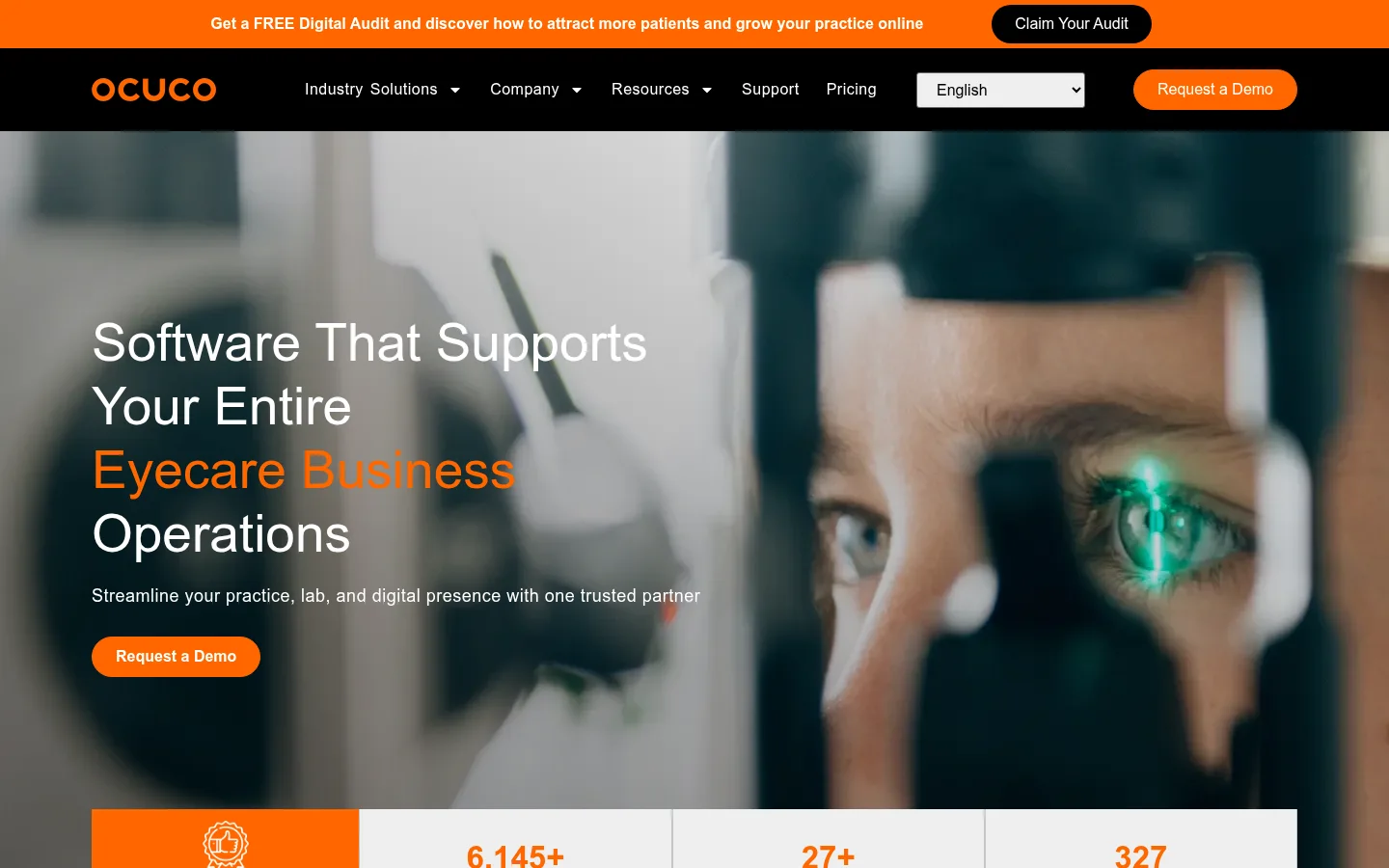
Ocuco reports that practices are using AI for automated patient recalls and chat-based booking, alongside OCT and retinal image analysis. For a practice with a receptionist, chat-based booking is the part that takes pressure off the phone.
Recommendation: Move routine questions and booking confirmations to chat or text, keep the phone for exceptions, and count the calls over four weeks before and after.
If contact lens reorders are your main repeat revenue, automate reorder prompts only after checking your practice system and consent rules
Reorders are attractive because they are repeat business from patients who already trust you. A reorder prompt is only safe when three things are true.
First, the prescription check. Every patient's contact lens prescription must be current in your system, and you check its expiry before any prompt goes out. A prompt for lenses on an expired prescription is a clinical problem, not a marketing one.
Second, the clinical sign-off. A patient whose fit has changed, or who has reported discomfort, should never get an automatic reorder. Build that exclusion into the rule before you switch anything on.
Third, consent. A reorder reminder about an ongoing service may sit differently from marketing, but marketing messages need consent under UK rules (PECR). Ask your data protection adviser to confirm which side your messages fall on, and write the answer down.
Before you change anything, measure your reorder rate for three months, so you can see whether the change made a difference.
Recommendation: Switch on reorder prompts only once expiry checks, a clinical exclusion rule and a written consent position are all in place.
If no-shows are costing you chairs and revenue, add an automated follow-up sequence and track rebooking rates
The cost of a no-show depends on your average fee for each appointment type, how often a chair sits empty, whether you can refill it at short notice, and what your staff time costs you. No published figure for a UK optician's no-show cost is reliable enough to quote here, so work it out from your own books. For context, the Association of Optometrists reports that the GOS sight test fee in England rose by 2.5% to £24.13 for 2025/26, backdated to 1 April 2025, and that the OFNC estimates the real cost of a sight test exceeds £49. Every empty chair is therefore money you were already paying to keep open.
No-show cost example (made-up numbers to show the method)
Inputs, all invented for illustration:
- Average fee per eye test: what you charge for one test
- No-shows per week: the sessions a typical week loses to people not turning up
- Weeks open per year: your opening weeks, less holidays
- Share of no-shows you rebook with follow-up: the fraction you win back
Lost revenue a year starts with the weekly loss: no-shows in a week multiplied by the fee per test. The annual loss is the weekly loss multiplied by the number of weeks you are open.
Recovered by follow-up: 4 × 1/4 = 1 rebooked slot a week. Each rebooked no-show recovers the fee for one test, so the weekly gain is that fee for each slot you win back. The annual gain from rebooking is the fee for one test multiplied by the number of weeks you are open.
The annual gain from rebooking assumes each rebooked slot would otherwise have stayed empty. Your real figure depends on how full your diary already is.
The follow-up itself is simple: a message within an hour of a missed appointment, one reminder the next day, and a direct booking link. Track messages sent, replies, rebookings, and no-shows each week. The salon version of this runs on the same pattern if you want a parallel.
Recommendation: Add the follow-up sequence and track the rebooking rate weekly. If it hasn't moved after six weeks, look at the wording and the offer first, not the tool.
If your practice system already has AI recalls, use it before buying a separate tool
Check before you buy. Ask your practice system supplier whether automated recall, text messages and booking confirmations are included, what they cost, and whether they sit on a separate contract. Ocuco's point that practices already run automated recalls suggests this is common in practice management tools, so the feature may already be paid for.
If you want a benchmark for a separate tool, Foresight UK lists agent setup from £750 per agent (one-off), then AI support from £150 per agent per month plus £10 per user per month, excluding VAT, on a minimum 12-month term. That is one vendor's list price, so use it to compare quotes, not as a rule for what a practice should pay.
Recommendation: If your system already does the job, switch it on and test it for a month. Only buy a separate tool if the built-in option can't do what you need.
If patient data would leave your approved systems to reach a public AI tool, stop and get a data protection review first
Apply one test to every message. Does it contain a patient name, an appointment time or any health detail? If it does, the tool that handles it must sit inside the data protection arrangements you already have. Foresight UK's position is that patient and clinical records stay in approved systems and out of public AI tools.
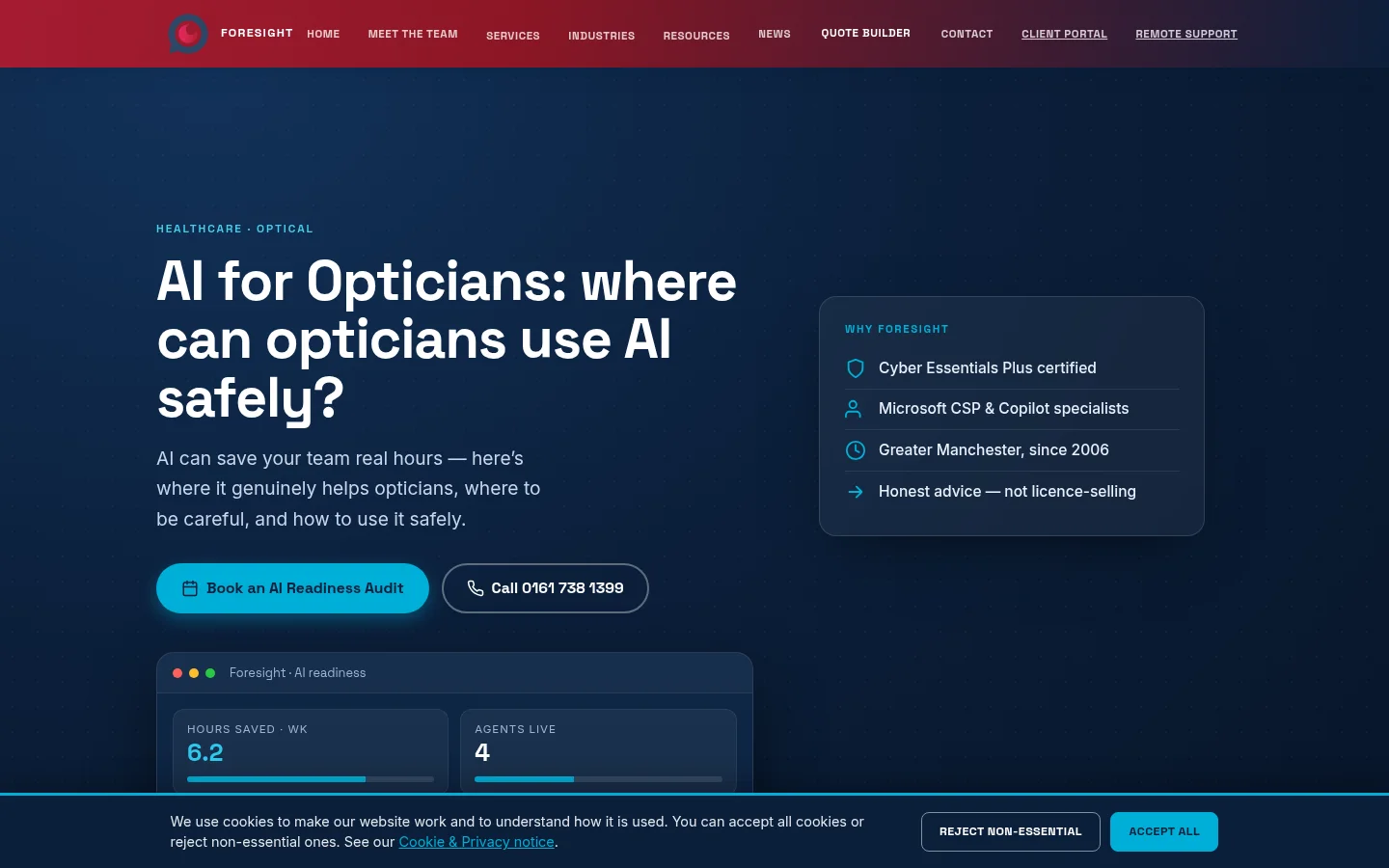
You can still use a public chatbot safely. Ask it to write a template with placeholders such as [first name] and [appointment date], then merge the real details inside your approved system. The public tool never sees a patient.
The College of Optometrists published an interim position on AI in eye care in June 2025, stressing patient safety, data protection, ethical use and staff training, with AI there to support clinicians rather than replace them (Irvale Studio). Before any patient-identifiable data reaches a new tool, get a review from your data protection adviser. Our checklist for clean data before automation covers what to tidy first.
Recommendation: Get the data protection review before the first live send. Until it's done, use templates with placeholders only.
The rule of thumb
Automate the wording and the chasing, and never the decision about who is due or what is clinically needed. The software can write the reminder, send it at the right time, log the reply and nudge the no-show. A clinician or a trained member of staff still decides who gets recalled, whether a reorder is safe and what a patient needs. If you keep that split, the admin stops eating your week and the clinical judgement stays where it belongs.
If you want to see which of these four jobs fits your practice, get a free AI plan and we will map your recall, booking, reorder and no-show tasks against the split above. If you'd rather talk it through first, book a call.
Sources
See it in practice

Built by Pensact
Yalla L3b · Court booking for players and a management view for court owners: reservations, rankings, ratings and nearby courts in one app.
Questions people ask
Is it legal to send patients automated appointment reminders by text or email in the UK?
Reminders about an existing appointment are usually treated differently from marketing, but the rules depend on how you collected the contact details and what the message says. Marketing messages need consent under UK rules (PECR), so keep recall and reorder messages factual and ask your data protection adviser to confirm your position in writing.
Can I use a public AI chatbot to write recall messages without putting patient data at risk?
Yes, if you keep patient details out of it. Ask the tool for a template with placeholders such as [first name] and [appointment date], then merge the real details inside your approved practice system. Never paste patient lists, appointment times or health details into a public tool.
Can AI handle contact lens reorders?
It can send the reorder prompt, but only once the prescription expiry, the clinical exclusions and your consent position are checked. A patient with a changed fit or a reported problem should never get an automatic reorder. Treat the prompt as a message, and leave the decision to a clinician.
What does a no-show cost an optician?
It depends on your average fee for each appointment type, how often a chair sits empty, how easily you can refill it and your staff time. No reliable published figure for UK opticians is available to quote, so work it out from your own books. Use the worked example in the article with your numbers to see the scale for your practice.
Keep reading
How to set up ai automation for vets uk and keep the front desk
Automate reminders, vaccine recall, prescription requests and no-show follow-up in four weeks, and keep the calls that need a person with your receptionist.
Noah Hany · 29 Nov 2026
AI automation for nurseries UK in a 60-place setting
Which nursery admin tasks AI can take over, what a manager must still decide, and how to switch it on without risking children's data or safeguarding.
Noah Hany · 28 Nov 2026
Is AI for travel agencies worth it for a team of three?
AI can draft replies, itineraries and follow-ups for a small agency. Here is what to automate first, what needs a human, and what to keep personal.
Noah Hany · 27 Nov 2026